
More screens. That seems to be the direction every car company is heading as new vehicle cabins become more advanced with added functionality and personalization. While some newer systems can be overly complicated, Ford's Digital Experience in the all-new 2025 Ford Expedition seamlessly blends infotainment and driver information into an intuitive experience through dual displays.
After spending several hours behind the wheel of the new Expedition during a road trip from southeast Michigan to Lake Huron, I found the system to be ideal in many ways, but not perfect.
For more background and details, check out our full explainer of Ford Digital Experience.

Photo: Perry Stern
Getting into the new Ford Expedition for the first time reveals a unique setup. In the center of the dashboard is a typical touchscreen display, but closer to the windshield is a 24-inch panoramic screen that shows all the important driver information. Enhancing the futuristic feel is the distinctive steering wheel with a flat top and bottom, designed to give the driver an unobstructed view of the large screen.
The 13.2-inch main display features Ford's latest version of its Google-based infotainment system. The popular Google Maps serves as the built-in navigation system, and Google Assistant is among the best natural voice interfaces available. Android Auto and Apple CarPlay are also standard, with a wireless connection for those who prefer these familiar interfaces.
Instead of traditional steering wheel controls, the Ford features two unlabeled, multi-purpose soft-touch controls on the steering wheel. Placing my thumb on the center of the right control displays an image of the control on the panoramic screen. The top left button opens a menu for steering wheel or pedal adjustments, while the other positions control audio selection and volume. The left control functions similarly, managing adaptive cruise control and BlueCruise. It might seem confusing, but it works much better than I expected.

Photo: Perry Stern
Preparing for my road trip north to Lake Huron in the new Expedition, I connected my Samsung Galaxy S23+ via Bluetooth, and the option to launch Android Auto appeared on the display screen. Instead of using Android Auto, I logged into my Google account, which was easily done by scanning the QR code on the screen. My preferences and favorites appeared in the native Google Maps, and I could search for a destination on my phone, having it seamlessly appear on Ford's navigation system.
It may seem repetitive, but the navigation screen appears in the center and on the far right of the panoramic display. This lets you use the main screen for media or other vehicle features while keeping navigation prominent. However, sometimes you might not know where you want to go.
I knew there was a lighthouse somewhere nearby that we wanted to visit, but I wasn't sure exactly where it was. No need to stop and ask. Instead, I said, "Hey, Google, where is the closest lighthouse?" A few seconds later, the Google Assistant presented directions to the Sturgeon Point Lighthouse—easily done while I continued to drive down the road.
Although the panoramic display is large, it has only one small, customizable section. Selected through the central infotainment screen, it can show various features, including trip information, towing status, off-road status, gauges, or tire pressure.
The clean design is attractive, but drivers would benefit from more customization options. Since the navigation map isn't always needed, using that space for other vehicle data would be helpful. Including an option for classic gauges with a tachometer would also be a good addition.

Photo: Perry Stern
Enhancing the time spent in the new Ford Expedition, the new Digital Experience offers a variety of entertaining features and apps available for download from the Google Play Store. These include useful features like Zoom and Prime Video, as well as games to help pass the time while waiting for your kids to finish band practice.
My favorite game is Asphalt Nitro 2, which is exclusive to the Ford brand. Using the touchscreen, I can sit in my Expedition and drive a Mustang GT on the racetrack. There are also games like Shuffleboard that allow up to four passengers to play simultaneously, using their smartphones as game controllers. However, these games require the vehicle to be in Park, even if the driver isn't participating.
Ford's new Digital Experience is a thoughtfully designed upgrade over traditional vehicle infotainment systems. The Google-based system is user-friendly, featuring an intuitive menu enhanced by the natural-voice Google Assistant. The dual screen setup may seem overly complex at first, but it quickly becomes clear that it functions effectively with straightforward usability. While I wish there were more options to customize the panoramic display, overall, the new Digital Experience is a strong addition to the Ford lineup.
Perry Stern has worked in the automotive industry for over 30 years and has always been a car enthusiast. Driving nearly every new car on the market, Perry has written for multiple publications in addition to his work for JDPower.com. Recently relocated to southeast Michigan, Perry remains passionate about cars, especially his 2006 Mazda MX-5 Miata.


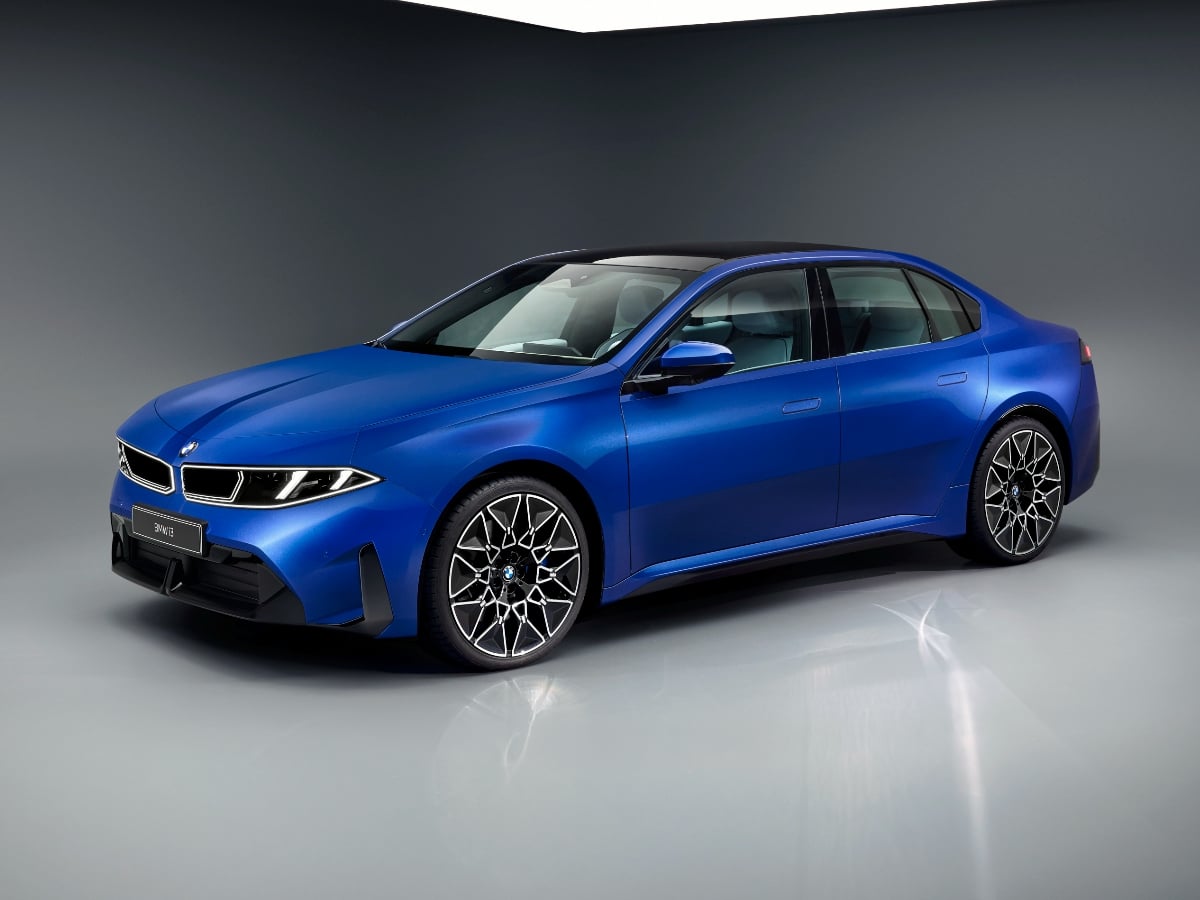
The new 2027 BMW i3 boasts an estimated range of up to 440 miles, 400-kilowatt DC fast charging capability, bidirectional charging to a home or the grid, and next-generation technology.
Read the Full Article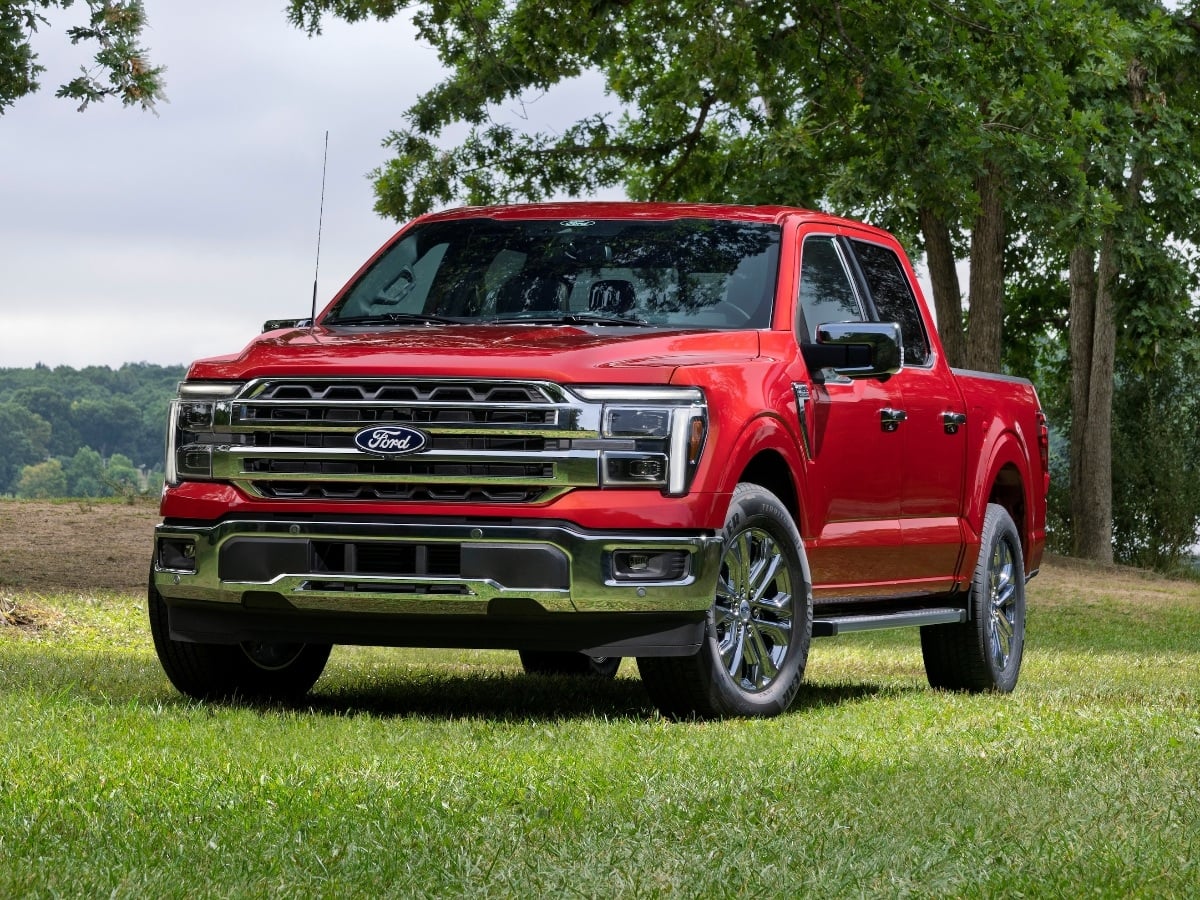
Facing renewed competition in the full-size, light duty pickup truck segment, the 2027 Ford F-150 receives subtle styling updates, a new standard engine, broader availability of its 5.0-liter V8, and ...See More
Read the Full Article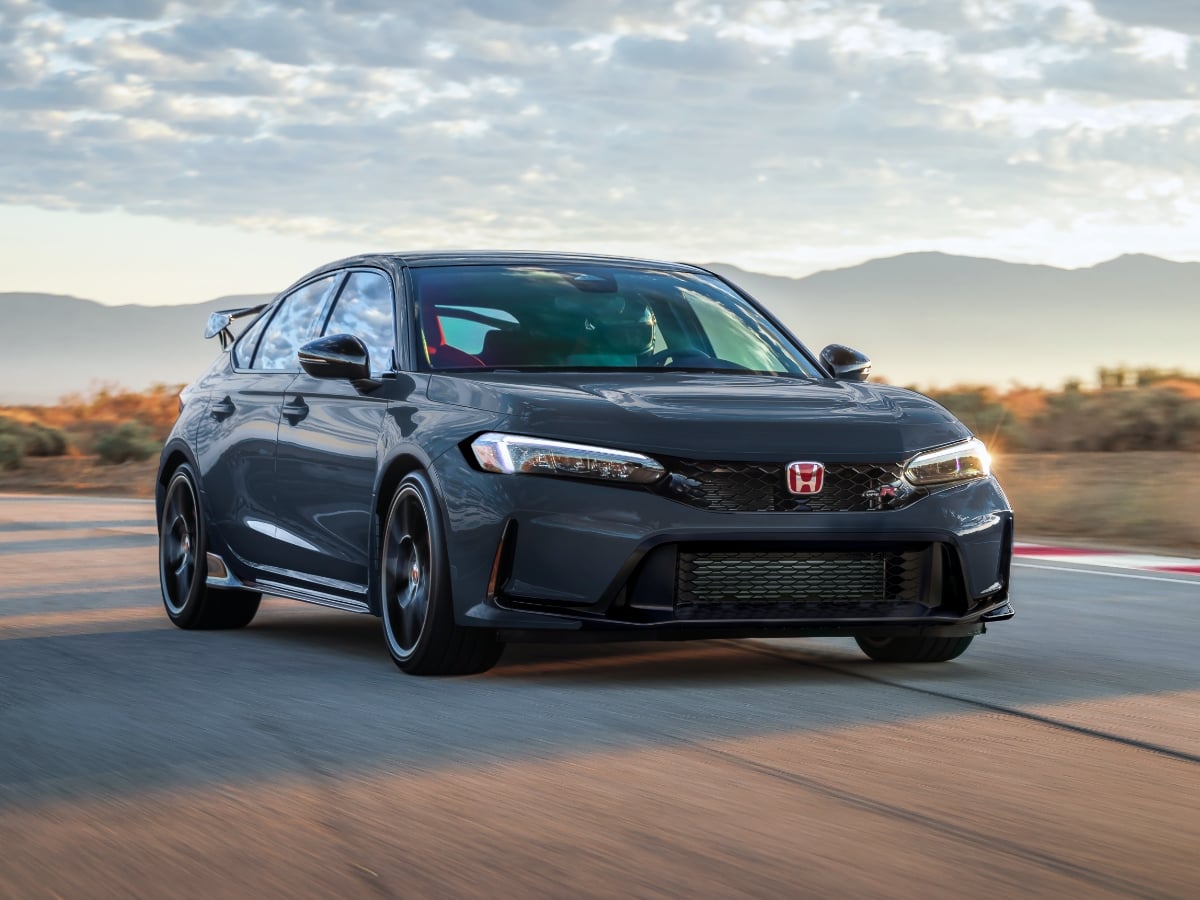
The 2027 Civic Type R goes on sale in October 2026, and it starts at $49,990, including the $1,295 destination charge.
Read the Full Article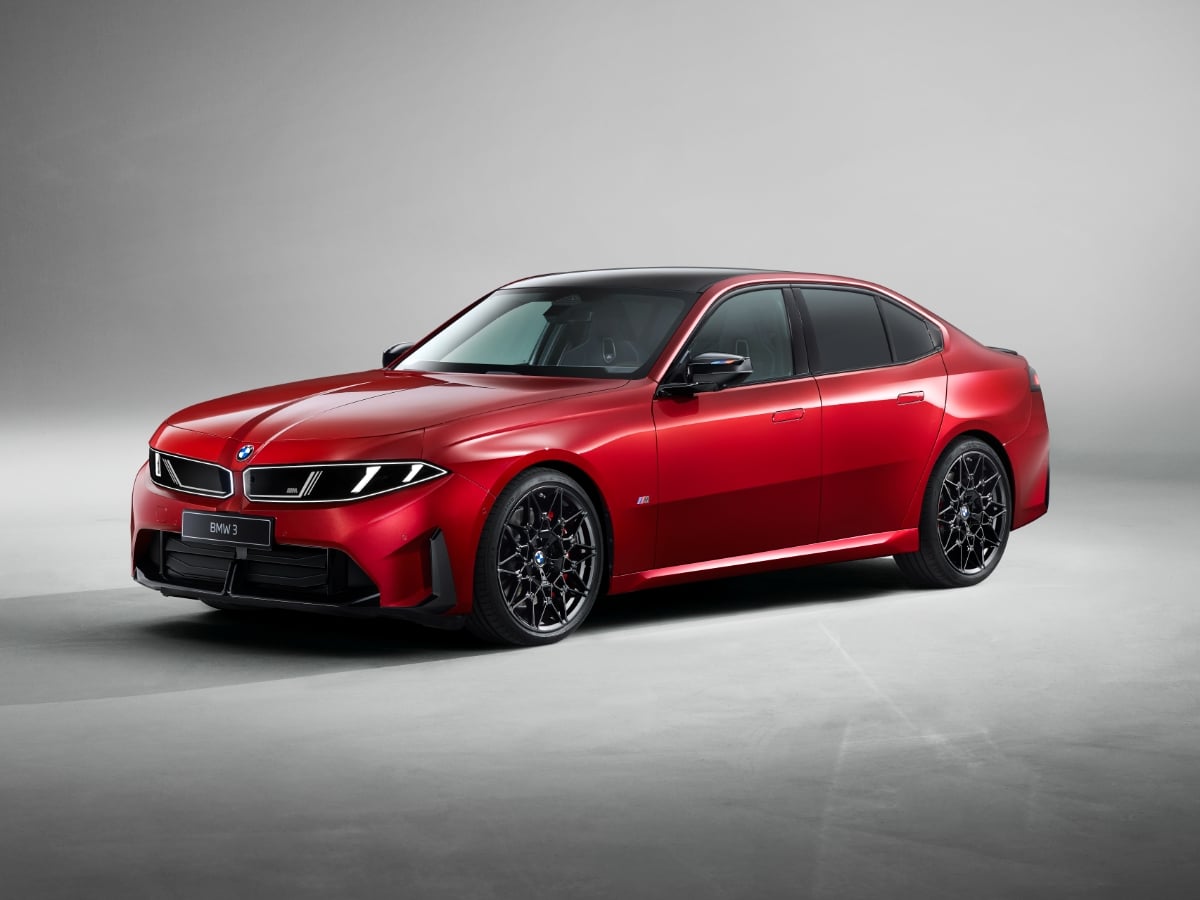
Part of BMW’s Neue Klasse (new class) rollout of redesigned models, the 2027 BMW 3 Series is all-new and goes on sale in the first quarter of 2027.
Read the Full Article