
These days, mobile phones are an extension of your everyday life. And since people spend a significant portion of their lives driving, the need for in-car mobile phone accessibility has become a focal point of the vehicle ownership experience.

To that end, Apple CarPlay is the smart, safe, and intuitive way to use an iPhone while driving. This system lets you get directions, make calls, send and receive messages, and enjoy your favorite music, all on the car’s built-in dashboard display (infotainment system).
Essentially, CarPlay makes it possible for drivers to seamlessly and organically interact with all of their iPhone’s primary functions from behind the wheel without the distraction of the phone itself.
Depending on what type of infotainment system your vehicle has, to start using CarPlay, you will do one of two things:
In both cases, the iPhone will automatically connect and project a simplified version of iOS, Apple’s mobile operating system, on the vehicle’s infotainment screen.
The main benefit of CarPlay may be the simplicity of the user interface. The icons are large, and the text is easy to read. All featured apps look very similar to their iOS counterparts, making them familiar to the eyes and easy to navigate.
There are two primary screens on the CarPlay system: the main Home screen and the Dashboard. You can easily switch between the two.
CarPlay Home shows all your CarPlay apps organized into pages. At the same time, CarPlay Dashboard gives quick access to critical items such as driving directions, audio playback, and app suggestions from Siri, Apple’s voice-driven virtual assistant for iOS.
On CarPlay Home, there are eight primary apps for the user to select. Each relates to a specific iPhone function. They are as follows:
Siri is vital to CarPlay, keeping you focused on the road ahead. The voice assistant answers questions about CarPlay functionality, takes commands, provides information found online, and sends dictated texts. Siri operates in CarPlay just like it does on the iPhone. To get assistance, say, “Hey, Siri.” Alternatively, press and hold the Talk button on the steering wheel.
The Settings option gives users selections across various features and functions. For example, switching on “Do Not Disturb” eliminates driver distraction by blocking calls or messages while driving. However, you can make exceptions by creating a list of favorites from your contacts list. Calls and messages from those people will still come through.
In addition, you can choose between Automatic Light and Dark mode or Always Dark mode for the background aesthetic. There are numerous other ways to customize CarPlay, from wallpaper displays for the CarPlay Home screen to the organization and presentation of information on the CarPlay Dashboard.
In addition to Apple’s apps, CarPlay allows the use of third-party apps. For instance, with navigation, the user can switch to Google Maps or Waze instead of Apple Maps. Similarly, Apple Music users can use Spotify as their preference. Most major media apps have a corresponding CarPlay app, making the experience flexible for users.
To turn on or off CarPlay apps or third-party apps, you must go to the CarPlay settings in your iPhone and select which apps you would like to have appear on the CarPlay Dashboard.
At this point, virtually every major auto manufacturer supports Apple CarPlay on some level.
Curiously, General Motors recently announced that it will phase out Apple CarPlay (and the similar Android Auto technology for Android devices), starting with its new electric vehicles. Automakers see subscription services as a significant future profit center, so this might be the first step toward eliminating typically free services like CarPlay.
If you own an older vehicle, several aftermarket systems can add CarPlay to a model that doesn’t offer the system. That may be something to consider for anyone who wants everyday access to their iPhone while driving.
For many, Apple CarPlay has become essential to the in-car experience. It allows drivers to safely and efficiently use their iPhones with minimal distraction while driving. With its intuitive control options and high level of convenience, CarPlay can be a genuine quality-of-life improvement.
To learn more about new vehicle technologies, go to the Shopping Guides section of the JD Power website.
Jessica Shea Choksey is an experienced writer in the automotive field. In addition to JDPower.com, she was a correspondent for PBS’s MotorWeek. Her work has also appeared in AutoTrader.



The new 2027 BMW i3 boasts an estimated range of up to 440 miles, 400-kilowatt DC fast charging capability, bidirectional charging to a home or the grid, and next-generation technology.
Read the Full Article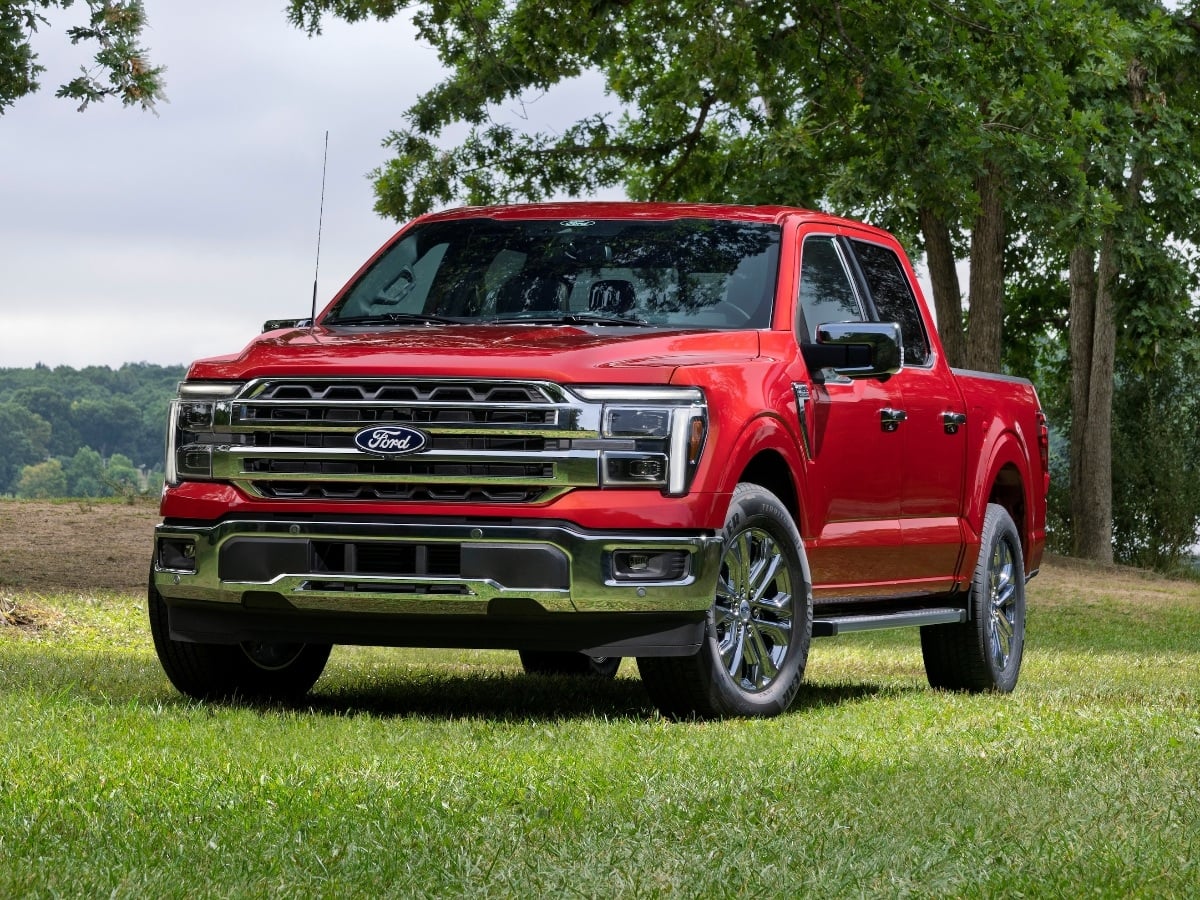
Facing renewed competition in the full-size, light duty pickup truck segment, the 2027 Ford F-150 receives subtle styling updates, a new standard engine, broader availability of its 5.0-liter V8, and ...See More
Read the Full Article
The 2027 Civic Type R goes on sale in October 2026, and it starts at $49,990, including the $1,295 destination charge.
Read the Full Article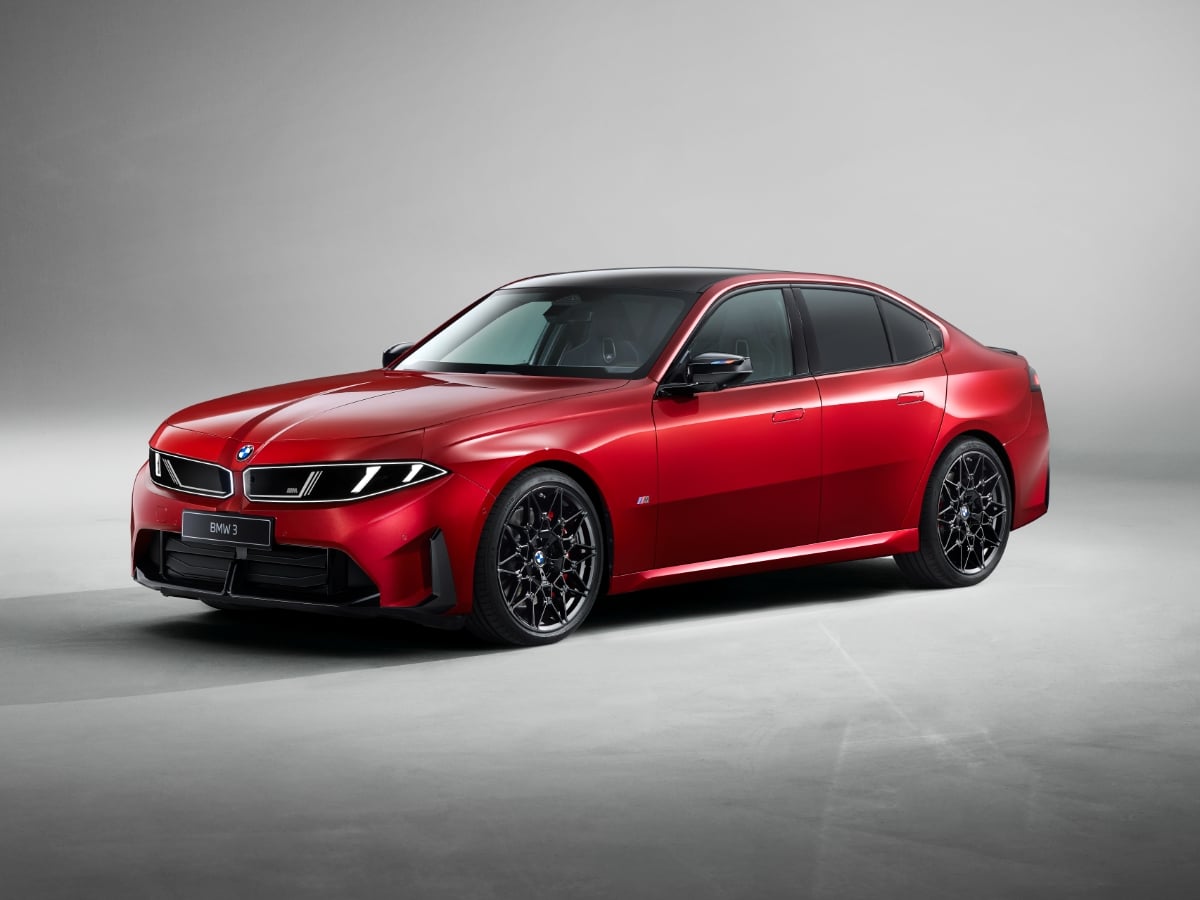
Part of BMW’s Neue Klasse (new class) rollout of redesigned models, the 2027 BMW 3 Series is all-new and goes on sale in the first quarter of 2027.
Read the Full Article