
For many, the ability to fully access their smartphones while driving is an important buying consideration when shopping for their next vehicle. They want to make calls, send messages, and utilize their favorite apps simply and safely with minimal driver distraction. The Google-based Android Auto system does all those things.

Android Auto is the Google equivalent of Apple CarPlay. It mirrors your Android-based phone's operating system, displaying it on your vehicle's infotainment screen in a seamless way.
Android Auto integrates your smartphone with your car, allowing you to utilize its primary features and adjust settings using a familiar interface. Various apps are available, and you can even use Google Assistant voice commands to do virtually anything your phone does while keeping your focus on the road.
You'll first need to connect your phone to your car to enable Android Auto. Historically, you would need to plug your phone in using its standard USB charging cable and the car's USB data port to do this. Once you accept the prompt that appears, the Android Auto interface should automatically load on your car's display screen.
Wireless smartphone integration is increasingly common in newer vehicles, so if your car has this capability, you can connect to Android Auto using Bluetooth. Once your vehicle and phone are connected, there's no need to reconfigure Android Auto. Just turn the car on, and as long as you've connected your phone via its cable or Bluetooth, it should automatically activate the Android Auto system.
Android Auto is cleanly and logically organized, so navigating the system is straightforward. It looks like a simplified version of your phone's home screen, providing access to various applications that will enhance your driving experience. There's a home screen with all your Google and third-party apps. Google apps include Calendar, Maps, Messages, News, Phone, Play Books, Podcasts, Reminder, Settings, Weather, Messages, News, and Play Books. Third-party apps are non-Google apps you've added to your phone.
CarPlay differs from Android Auto because it separates Apple apps from third-party apps. Apple's primary apps exist on CarPlay's Home screen, while you access third-party apps on a separate Dashboard screen. Android Auto keeps everything together on a one-stop scrollable menu with alphabetized widgets for each app. The Android Auto presentation is more streamlined than that of CarPlay.
Utilizing Google Assistant voice controls is also convenient and natural. Say, "Hey, Google," and the desired command as you normally would to your phone, and the system will complete your request. Examples are "Hey, Google, skip this song," "Hey, Google, go to 123 Maple Street," and "Hey, Google, call Annie at work." You can do all these things without ever taking your hands off the steering wheel. Alternatively, press the Talk button on the steering wheel to voice your command.
The Settings option will give you selections across various features on your phone relating to functionality and background aesthetics based on your preferences. Some of the most common settings include:
If you want to disconnect your car from Android Auto, you can forget the device within your car or phone's settings.
In addition to Google's apps, Android Auto allows the use of third-party apps. Various third-party applications are compatible with Android Auto, including Waze for navigation, Spotify for music, and WhatsApp for communications. Most major media apps have a corresponding Android Auto app, making the experience flexible for users. As mentioned above, to turn any apps on or off, you must go to the settings in your smartphone and select which apps you would like to have appear on the Android Auto menu.
Most major auto manufacturers support Android Auto on some level. Curiously, General Motors recently announced that it will phase out Android Auto (and Apple CarPlay), starting with its new electric vehicles. Since automakers see subscription services as a significant future profit center, this might be the first step toward eliminating typically free services like Android Auto.
If you own an older vehicle, several aftermarket systems can add Android Auto to a model that doesn't offer the system.
Android Auto lets drivers readily and intuitively use their smartphones with minimal distraction while driving. Like its Apple CarPlay counterpart, this system can significantly benefit the everyday vehicle ownership experience.
To learn more about new vehicle technologies, go to the Shopping Guides section of the JDPower.com website.
Jessica Shea Choksey is an experienced writer in the automotive field. In addition to JDPower.com, she was a correspondent for PBS's MotorWeek. Her work has also appeared in AutoTrader.
Related Resources


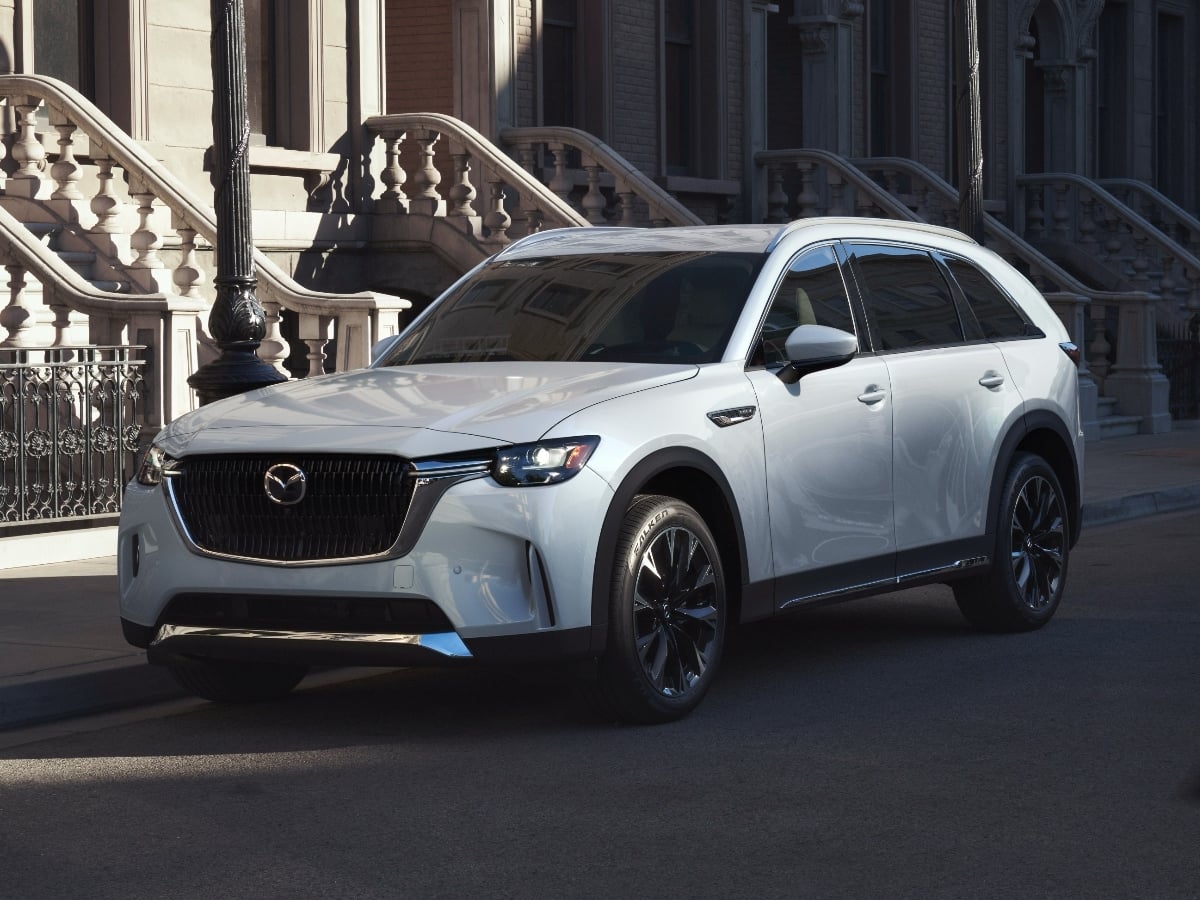
Mazda is discontinuing the five-passenger midsize CX-70 crossover SUV for the 2027 model year. But do not worry. The automaker is moving that configuration to the CX-90 lineup, where it will be ...See More
Read the Full Article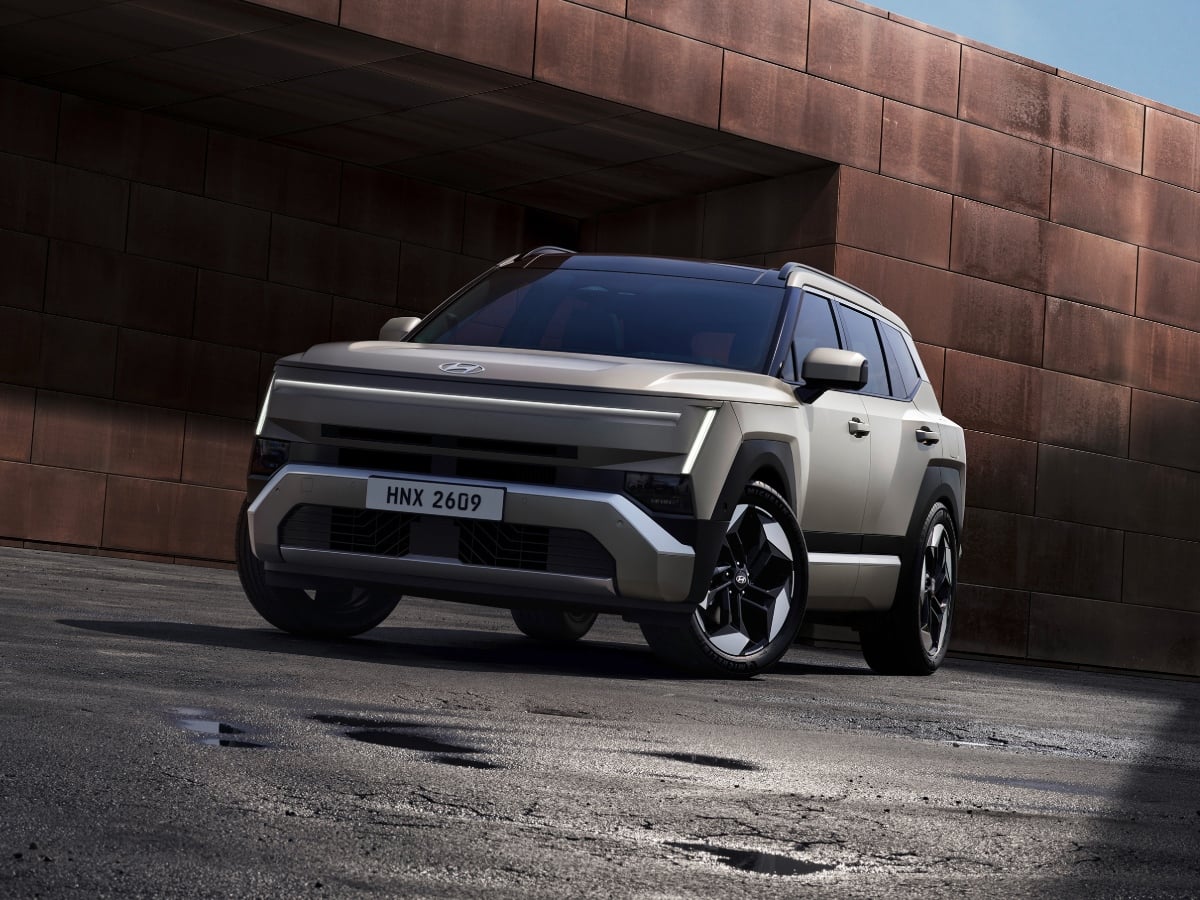
With a purposeful new design and some trail-ready upgrades, the 2027 Hyundai Tucson is pushing the brand's best-selling crossover SUV into more aggressive territory.
Read the Full Article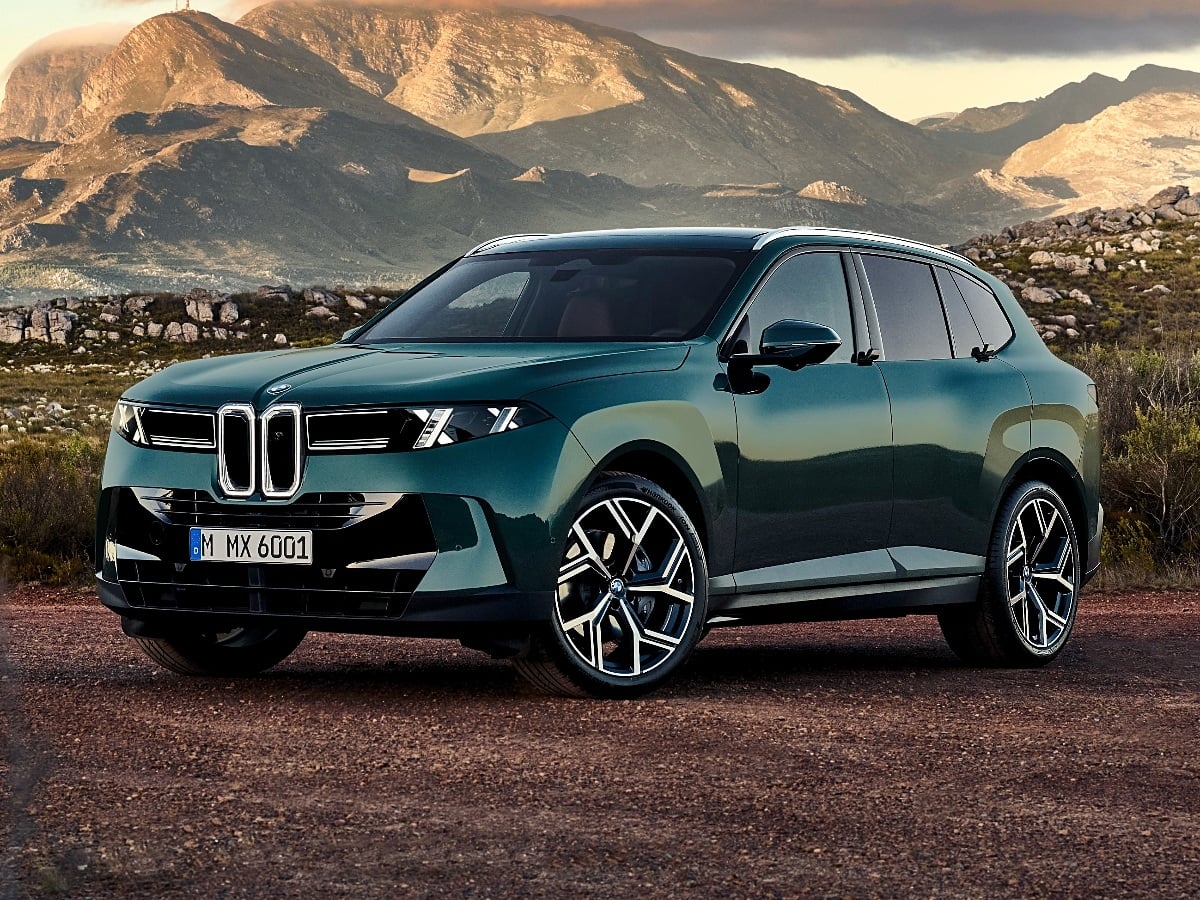
For more than 25 years, the BMW X5 has helped to define the luxury SUV segment. Now, the redesigned fifth-generation 2027 BMW X5 arrives with the automaker’s Neue Klasse styling, a roomier interior, ...See More
Read the Full Article
One of Lexus's most popular models, the NX crossover SUV is also one of the most affordable in the company’s lineup. The 2027 Lexus NX transitions to hybrid-only powertrains, and gets revised ...See More
Read the Full Article