
The word “cockpit” generally brings to mind an image of a panel with a thousand buttons and switches from which a pilot controls an aircraft. But these days, the definition of the term goes beyond flight decks and into the realm of automobiles.

In Volkswagen's case, the ID.Cockpit is a customizable digital gauge cluster specific to electric vehicles (EVs) that displays a wide range of information, from vehicle data to driver-assistance system alerts to route guidance. The result is a more connected and engaging driving experience.
The ID. monicker defines an expanding family of Volkswagen models built from the ground up to be EVs, including the ID.4 crossover and ID.7 sedan in the United States. ID. production vehicles were inspired by and derived from a series of previously introduced concept models. Volkswagen says ID. stands for "intelligent design, identity, and visionary technologies."
Automakers constantly strive to connect cars with drivers in engaging ways, and the VW ID.Cockpit does precisely that. However, it differs from other digital cockpits, including its corporate counterpart, the Audi Virtual Cockpit. While there is an overlap in functionality between the two systems, Audi's interface leans more heavily toward content management, while VW's ID.Cockpit is more information-based in its organization and presentation.
Volkswagen’s ID.Cockpit is a high-resolution digital gauge cluster behind the steering wheel, within the driver's binnacle. Positioned in the driver's sightline, it provides important information while helping the driver keep their eyes on the road as much as possible.
The ID.Cockpit features a high-resolution, full-color LCD screen and is customizable to provide information in four layouts: Summary, Basic, Driving Data, and Navigation. Each has a specific purpose.
Changing between ID.Cockpit displays is straightforward. The driver controls the system by pressing the arrows on the right side of the steering wheel. Lightly swiping the "View" button allows the driver to choose their preferred display while hiding other options.
The first profile, "Summary," is available when the drive system is inactive. This layout displays information such as mileage, charge status, and estimated range ahead of departure. Its purpose is to give the driver a sense of EV capability concerning their destination, whether it be the local grocery store, an across-town errand, or a long-distance weekend road trip.
Once the driver puts the vehicle into gear, they will hear a chime accompanied by the appearance of ID.Cockpit's "Basic" display. This layout provides real-time information about the vehicle's speed and alerts related to advanced driver assistance systems (ADAS).
The driver can choose the "Navigation" display when route guidance becomes the priority. This layout displays turn-by-turn route guidance in the gauge cluster in conjunction with the navigation system, whether that be the vehicle's built-in setup or a mobile device-based app.
Lastly, the "Driving Data" display in the ID.Cockpit gathers details of the current trip. This includes the distance traveled, total drive time, overall efficiency in miles per kWh, and average speed. This information allows the driver to assess the trip and their driving style. Additional information includes changes in vehicle performance and driving conditions endured.
The Driving Data screen and the Summary screen at the beginning of the trip are essentially bookends to the ID.Cockpit driving experience.
One callout feature is Dynamic Side Road Display in tandem with Speed Warning. When these systems are active, ID.Cockpit will monitor posted speed limits and alert the driver if they’re moving too fast. The alert will flash continuously if the driver progressively exceeds the posted speed.
To enable this feature, go to Assistance Systems on the infotainment touchscreen and then Speed Warning. Aside from choosing between visual or audible speed alerts, you can also select your preferred warning threshold. For instance, the system can sound a tone when you are within 5 mph of the posted speed limit. It can also put forth a warning tone when the maximum speed changes.
This feature is essential to helping drivers remain speed-conscious and maintain a safe velocity relative to the road type and speed limit.
The VW ID.Cockpit is a valuable digital feature that provides important driving information—from trip details to safety systems to route guidance—in Volkswagen's new family of EVs.
To learn more about various automotive technologies, visit the Shopping Guides section of the website.
Jessica Shea Choksey is an experienced writer in the automotive field. In addition to JDPower.com, she was a correspondent for PBS's MotorWeek, and her work has appeared on AutoTrader.


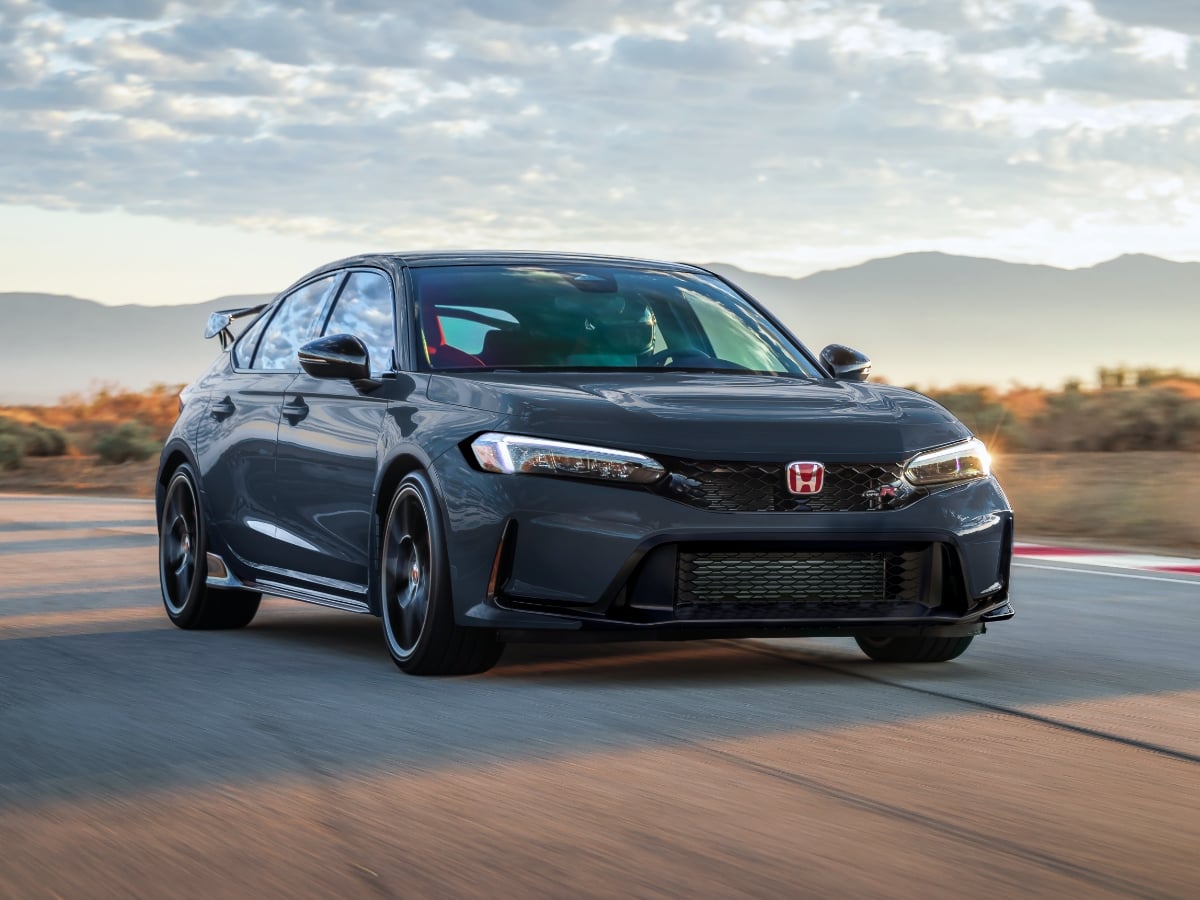
The 2027 Civic Type R goes on sale in October 2026, and it starts at $49,990, including the $1,295 destination charge.
Read the Full Article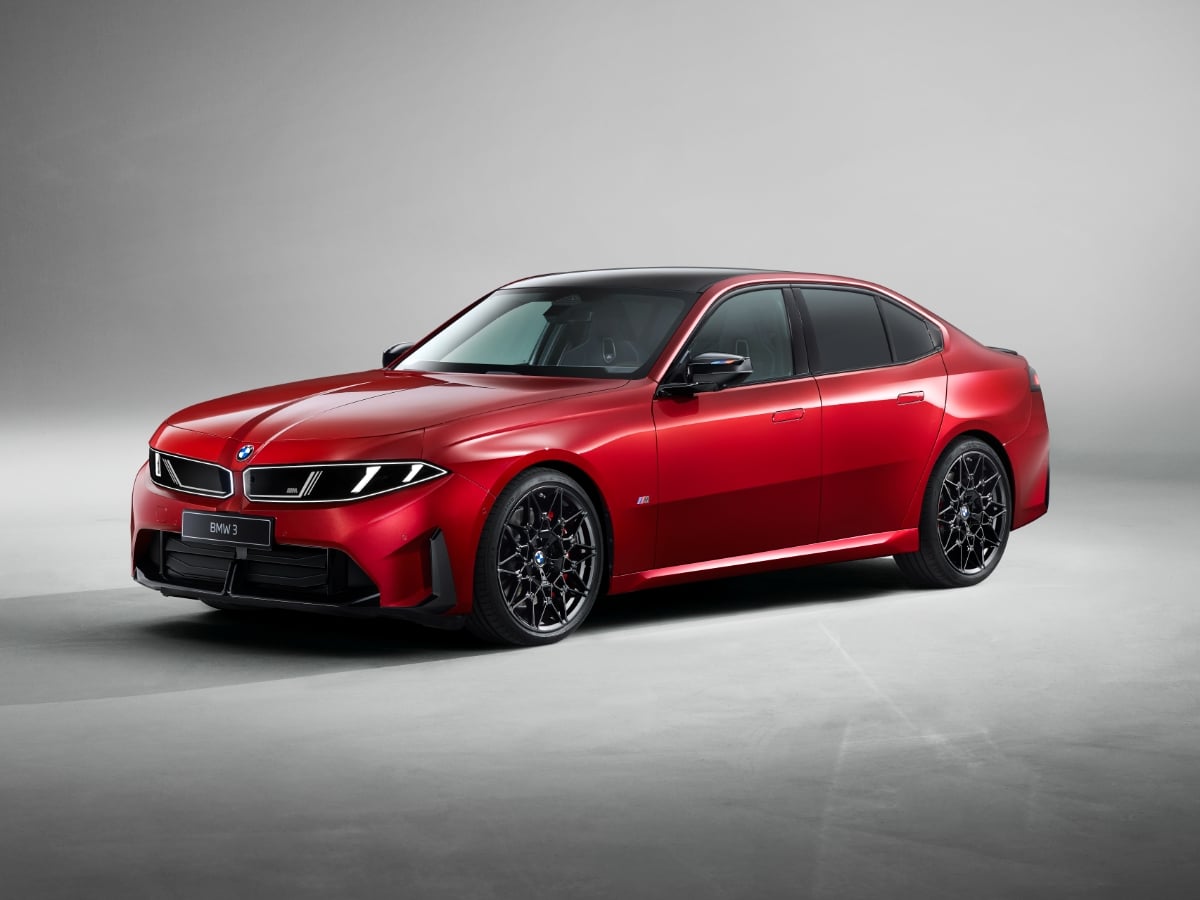
Part of BMW’s Neue Klasse (new class) rollout of redesigned models, the 2027 BMW 3 Series is all-new and goes on sale in the first quarter of 2027.
Read the Full Article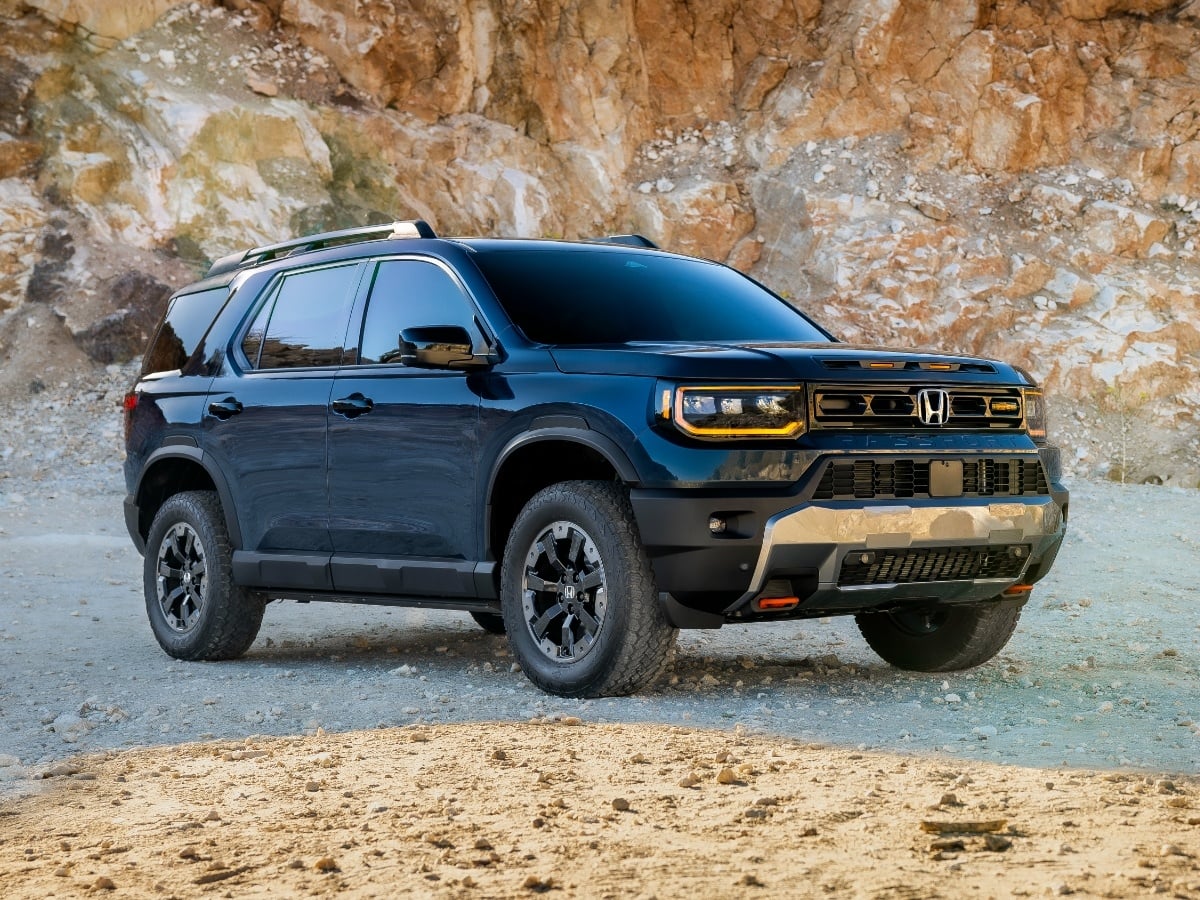
Updates to the 2027 Honda Passport TrailSport include a reworked suspension, improved steering, subtle styling enhancements, and added standard equipment.
Read the Full Article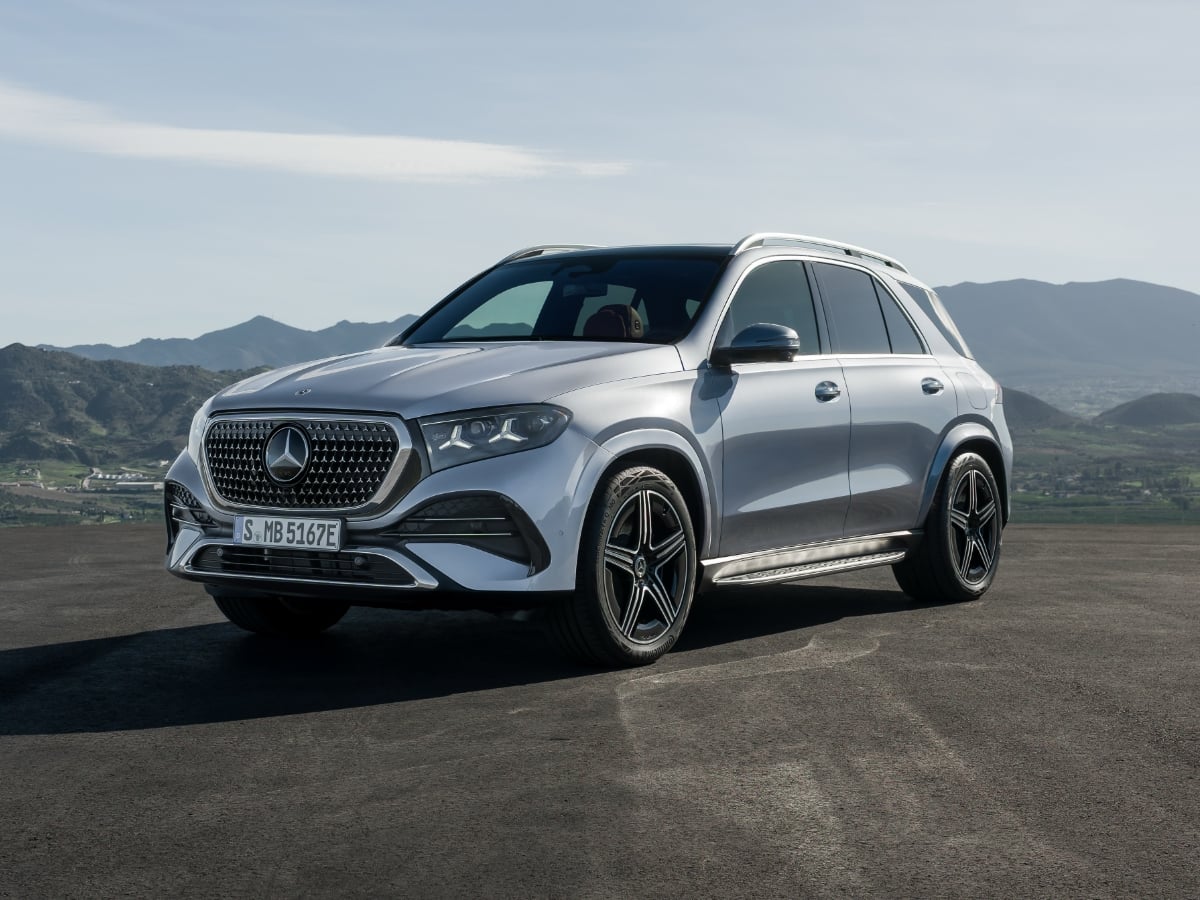
The midsize 2027 Mercedes GLE remains available in original and spicy Coupe recipes, now with standard 4Matic all-wheel drive (AWD), MBUX Superscreen technology, and a panoramic glass sunroof for ...See More
Read the Full Article