
Stereo systems are among the most common things stolen from a vehicle. Many vehicles are equipped with a radio lock system specifically to prevent theft! The radio codes lock the stereo system into the car to protect it in case your car falls into the hands of thieves.

You need to input the radio code to get things started if your vehicle is new. Every time you disconnect your stereo system from the vehicle or the battery dies, you might need to reset it to get it functional or just outright remove it for a replacement.
The code is essential in any way you look at it, and this article can guide you through the process.
The easiest way to find it is to peek in the owner’s manual. However, even if you can’t locate it, the Honda radio/nav system can be unlocked with your VIN or the serial number on the device.
The VIN is a unique 17-digit code that you might be able to find:
The VIN includes letters from A-Z except I, O, and Q to avoid confusion with similar-looking numerals.
If you have a Honda Odyssey 2013-14 model, you don’t need a radio/nav system code for initiation. The Device Serial Number is located on the back of the device, which you need to disconnect and inspect. Removing the radio from the dash is risky, and it might get damaged in the process, but you have the manual to guide you.
It is easy to locate the radio code. Here are a few places you can find it:
However, if you are unable to find the radio code, here’s what to do:
The code is permanent and won’t change, so it’s a good idea to write it down or memorize it.
It is essential to have a working radio and a navigation system for the vehicle to be completely functional. And if you want to know how to get it working with the code, here’s what you should do:
If you have a Honda Odyssey 2010, your Radio code might be a four or five-digit code, which you can easily find in the owner’s manual. To reset the code in your Honda Odyssey 2010, here’s what you can do:
As radio is a big part of the driving experience, some manufacturers put protective measures in place. And Honda is no exception, so each time you want to take it out, make sure to enter the code for it to unlock.
Doing it isn’t complicated and just requires a bit of your time. Use the owner’s manual and follow the instructions provided in the article. This should ensure the whole process won’t give you a massive headache or cause unnecessary problems.


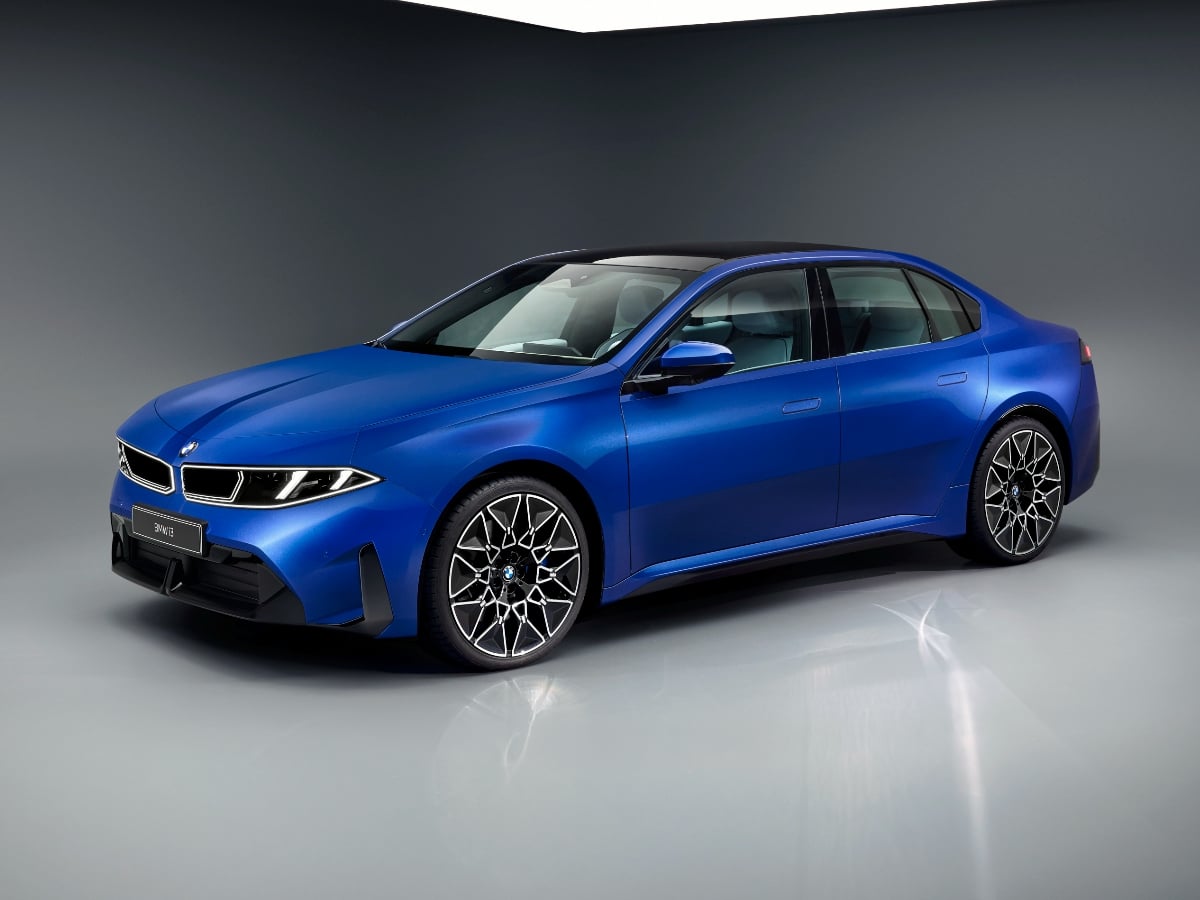
The new 2027 BMW i3 boasts an estimated range of up to 440 miles, 400-kilowatt DC fast charging capability, bidirectional charging to a home or the grid, and next-generation technology.
Read the Full Article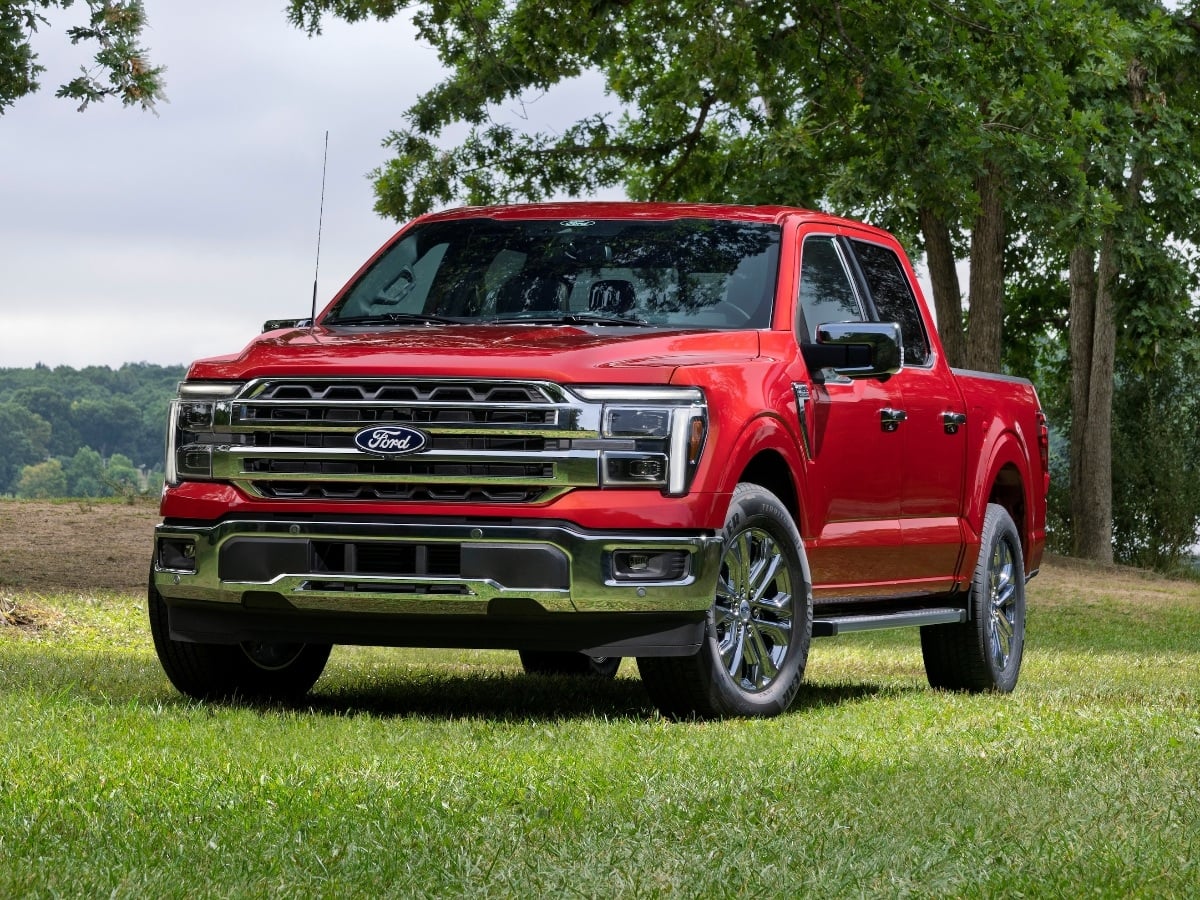
Facing renewed competition in the full-size, light duty pickup truck segment, the 2027 Ford F-150 receives subtle styling updates, a new standard engine, broader availability of its 5.0-liter V8, and ...See More
Read the Full Article
The 2027 Civic Type R goes on sale in October 2026, and it starts at $49,990, including the $1,295 destination charge.
Read the Full Article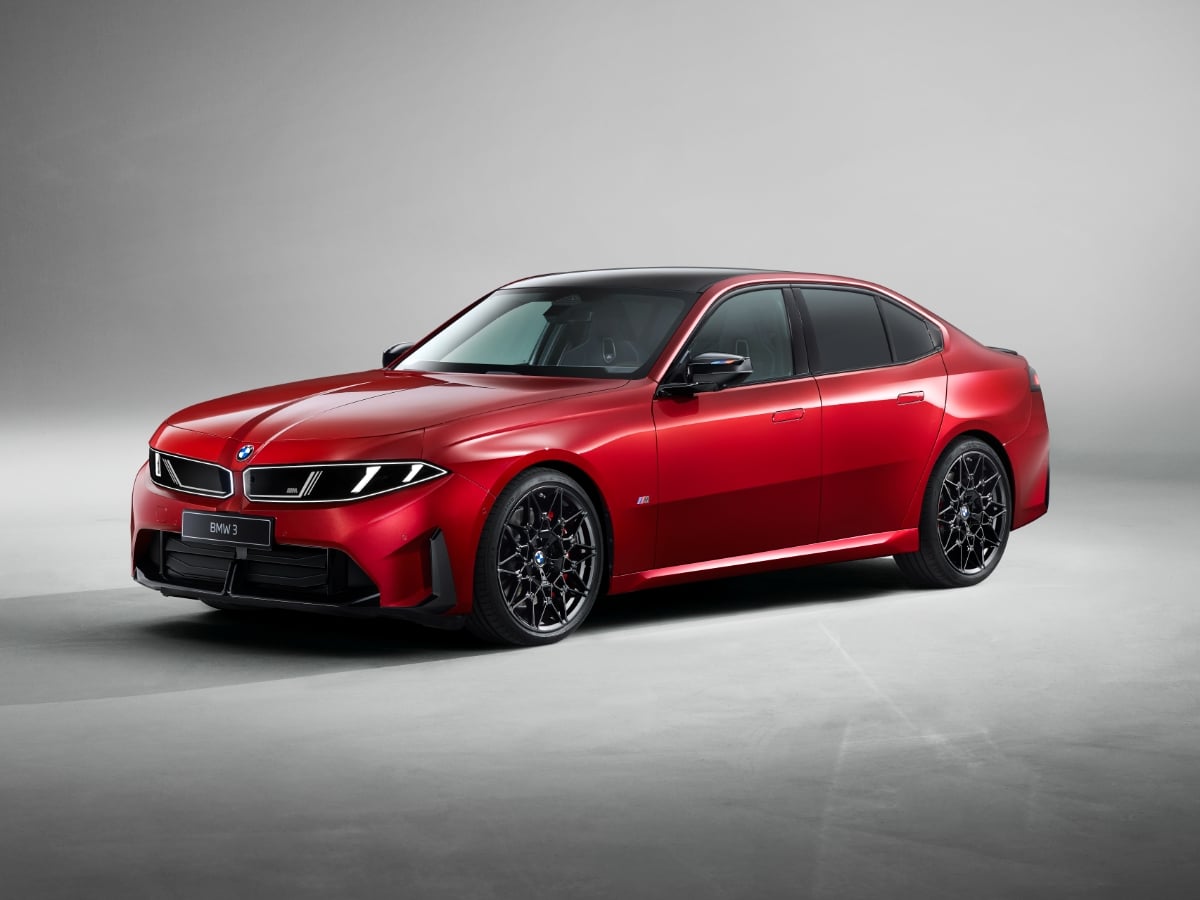
Part of BMW’s Neue Klasse (new class) rollout of redesigned models, the 2027 BMW 3 Series is all-new and goes on sale in the first quarter of 2027.
Read the Full Article