
If you are a proud owner of a Nissan car made circa 2009, then you sure have some idea of Nissan Connect apps. They are developed especially for drivers and are displayed on the touchscreen display. The system is easy to operate, so you can safely use your apps while driving your car. In this article, you will learn what functions are included, how to set up the app, and how to connect Bluetooth®.

Nissan Connect is a built-in, ultra-modern system with music playback, navigation, and communication functions, including a selection of popular smartphone apps. Connected to your smartphone, the system ensures maximum driving enjoyment while keeping you focused on the road. You can control its functions from a large screen located in the center of the dashboard.
There are currently three generations, namely, the Nissan Connect LCN1, Nissan Connect 2TM, and Nissan Connect LCN2. The manufacturer of all three devices is BOSCH, and the mapping supplier is NAVTEQ.
The new Nissan Connect system features full integration with the smartphone, providing access to a range of music, social media, entertainment, and travel apps. It also uses technology by Google, such as the “Send to Car” feature (which allows users to send directions to the car's navigation system from their phone) and a feature to display up-to-date information on gas prices, hotels, restaurants, and other places of interest. In addition, Nissan Connect features voice recognition, Bluetooth audio streaming, cell phone integration, line-in (Aux), and USB connectors.

You can use all the Nissan Connect apps while the vehicle is in motion, but some functions will be restricted so as not to distract the driver from the road. For example, keypad dialing is only enabled when the vehicle is stopped. A list of available apps can be found in the Manage My Apps section of the Nissan Connect portal or the Nissan Connect mobile app.
As required, some functions are disabled while driving so as not to distract the driver. For example, keypad dialing is only turned on when the vehicle is stopped. When you receive an incoming call via the Bluetooth® wireless system, all audio sources, including apps, are turned off. The system will then turn back on the app you used when the call came in.
If your phone supports streaming audio files, it can connect to the Nissan Connect system, but it will have limited in-car functionality. With the Nissan Connect app, you can listen to your favorite audio apps in streaming mode, use system functions without restrictions, and view information and album artwork.
There are two ways to connect Bluetooth® to the Nissan Connect system. The first is as follows:
The second way is below:
If you own a Nissan car, you need to check out the Nissan Connect system for navigation, music playback, and various popular smartphone apps. The app makes life easier for drivers. For example, you can use the combined power to easily find hotspots and the best route for them with Google or the built-in map system.


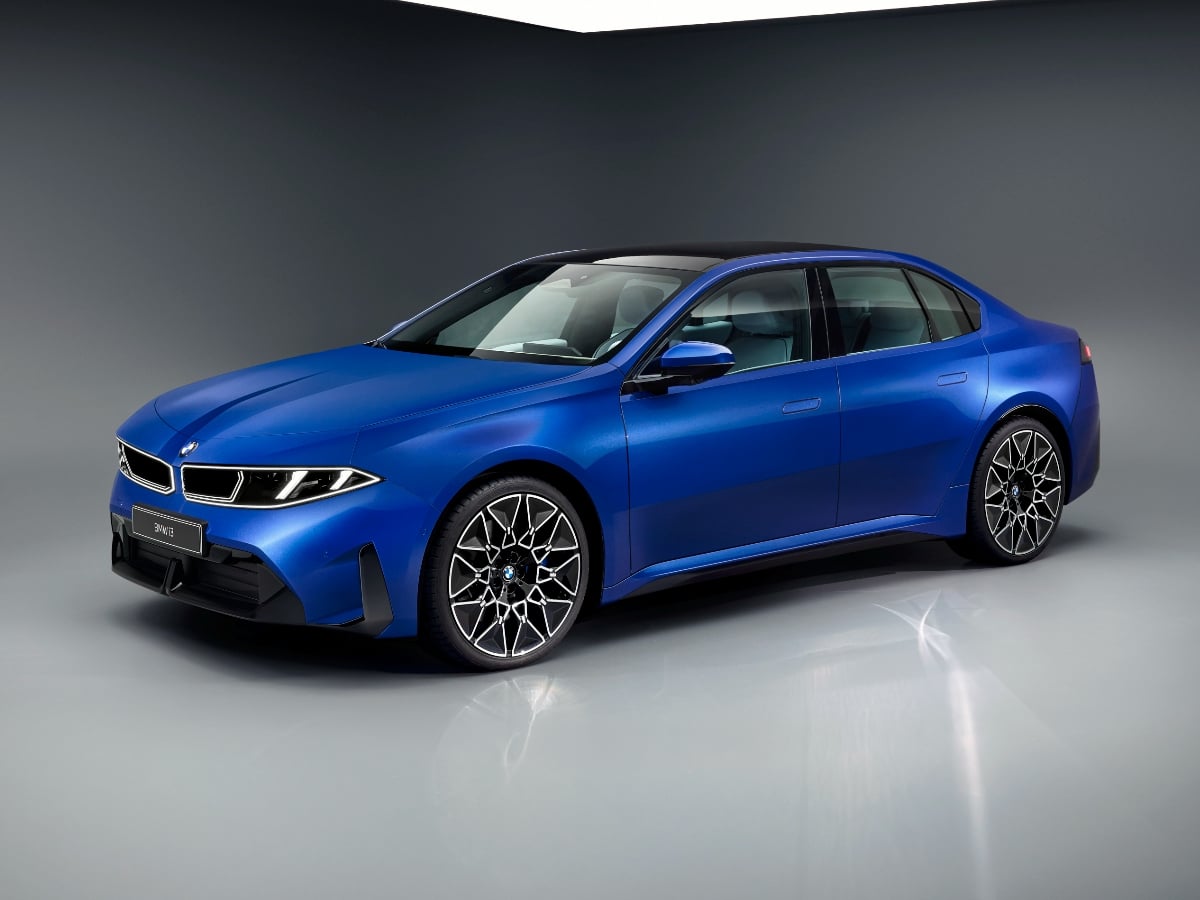
The new 2027 BMW i3 boasts an estimated range of up to 440 miles, 400-kilowatt DC fast charging capability, bidirectional charging to a home or the grid, and next-generation technology.
Read the Full Article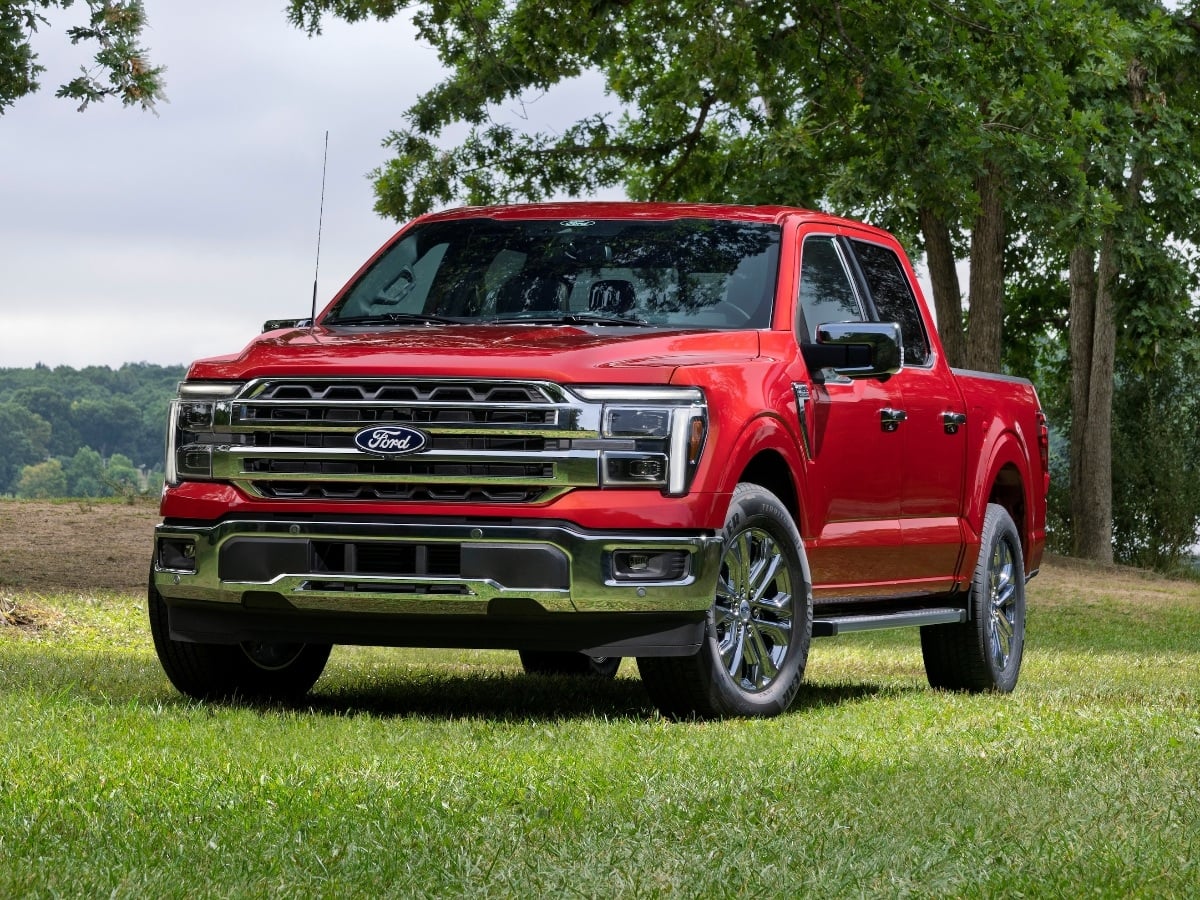
Facing renewed competition in the full-size, light duty pickup truck segment, the 2027 Ford F-150 receives subtle styling updates, a new standard engine, broader availability of its 5.0-liter V8, and ...See More
Read the Full Article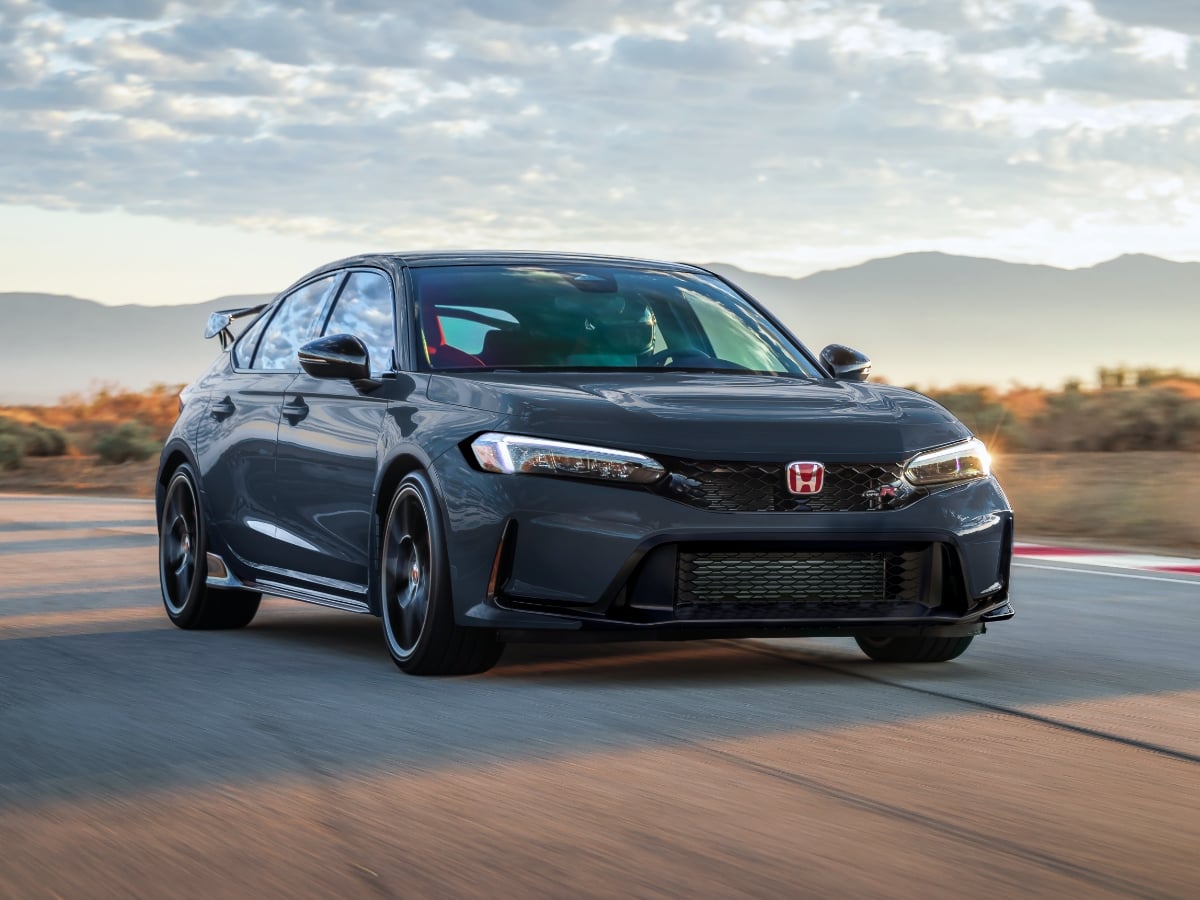
The 2027 Civic Type R goes on sale in October 2026, and it starts at $49,990, including the $1,295 destination charge.
Read the Full Article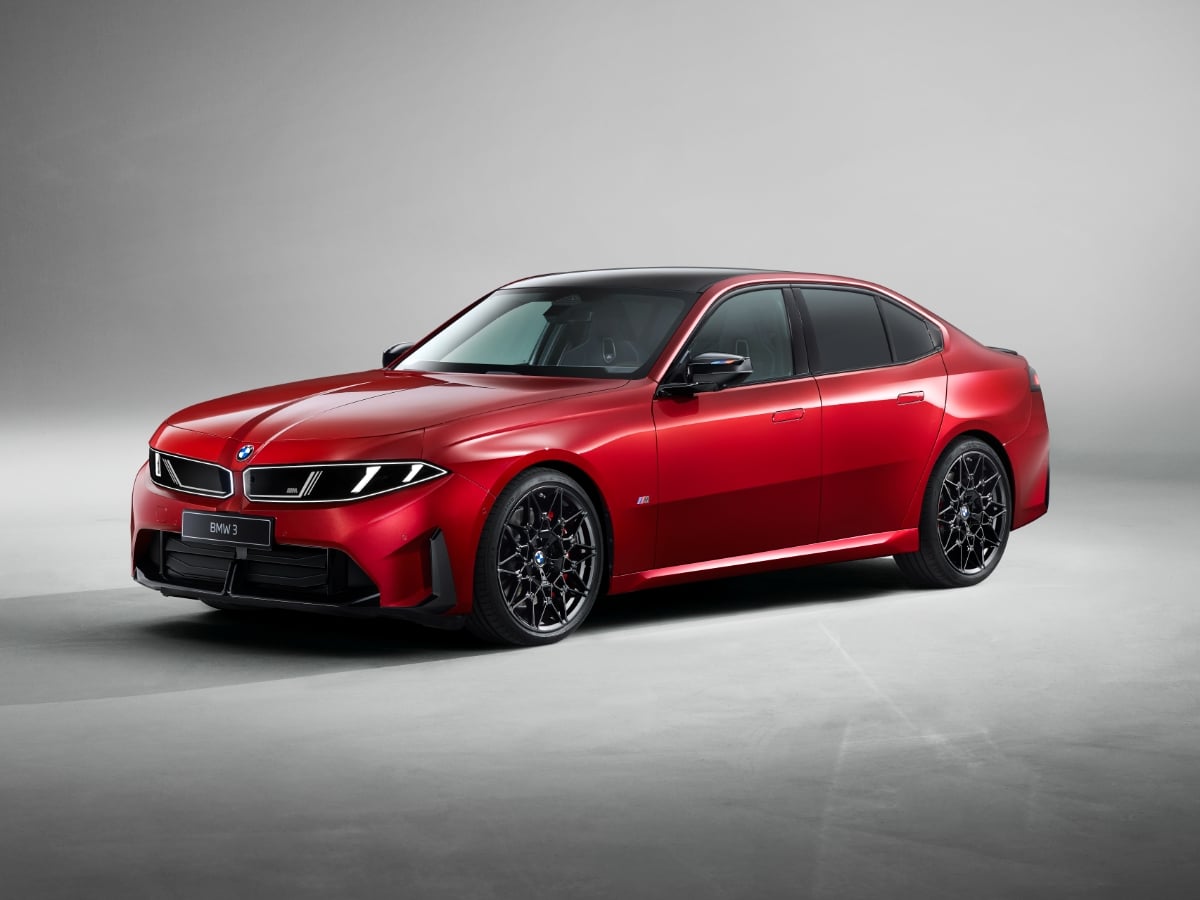
Part of BMW’s Neue Klasse (new class) rollout of redesigned models, the 2027 BMW 3 Series is all-new and goes on sale in the first quarter of 2027.
Read the Full Article