
The first Honda Civic came out as a 2-door coupe in July 1972. As of today, there are ten generations of the model. The most recent model got a 2.0-liter DOHC i-VTEC engine from the Honda CR-V crossover with a continuously variable CVT transmission or a manual 6-speed transmission.

Like all modern cars, the Honda Civic has an advanced onboard computer, which allows you to do pretty much anything, including using the hands-free function via Bluetooth®. Many drivers find it hard to locate where to add or remove a device. This article will provide an easy step-by-step guide on device removal.
The development of communication standards has made designing and building cars easier; it has spared drivers from the long adjustment to a new car after replacing it. An excellent example of this simplification is the car's onboard computer. The gauges collect and display data from various parts of the vehicle. Much of this data is already used by other modules. For example, the ECU knows the coolant temperature and engine speed, the transmission controller knows the speed, and the anti-lock braking system (ABS) controller knows if the ABS has a problem.
The onboard computer in the Honda Civic displays six types of information: outside temperature, autonomy, current fuel consumption, average fuel consumption, average speed, and distance traveled.
The right side of the multifunction display shows information relating to computer use. To start using the device, press the button at the end of the wiper lever. Each subsequent press will cause the next type of information to appear on display. Hold the button for more than three seconds to reset the device.
Before disconnecting anything from the car, you must first connect the device. The procedure is simple enough, and you just have to do the following:
Even though things should go smoothly when connecting through Bluetooth, there may occasionally be some connectivity issues. It’s not uncommon for either the car Bluetooth module not to see your phone or your mobile device not to be able to connect to the Civic.
In such cases, the first thing to do is check if the Bluetooth works on the device itself. If it does, but you can’t connect, try turning it off and on again to see if it solves the problem. Lastly, you could try resetting the wireless system in the car. Although the exact steps depend on the model year, the whole process should be similar to that of a 2017 Honda Civic and look as follows:
If you’ve had a couple of devices paired with the car and want to remove both or just one, doing it is as easy as pairing them with the car computer. So, to do that, just follow these steps:
That should remove the device currently connected and allow you to connect a new one.
Connecting your device to the car can sometimes be challenging, especially when specific models are concerned. Luckily, when it comes to Honda Civic, the process is relatively uncomplicated and allows you to instantly pair or delete a device from the car. So, follow the steps in the article, and you should have no problems doing it next time.


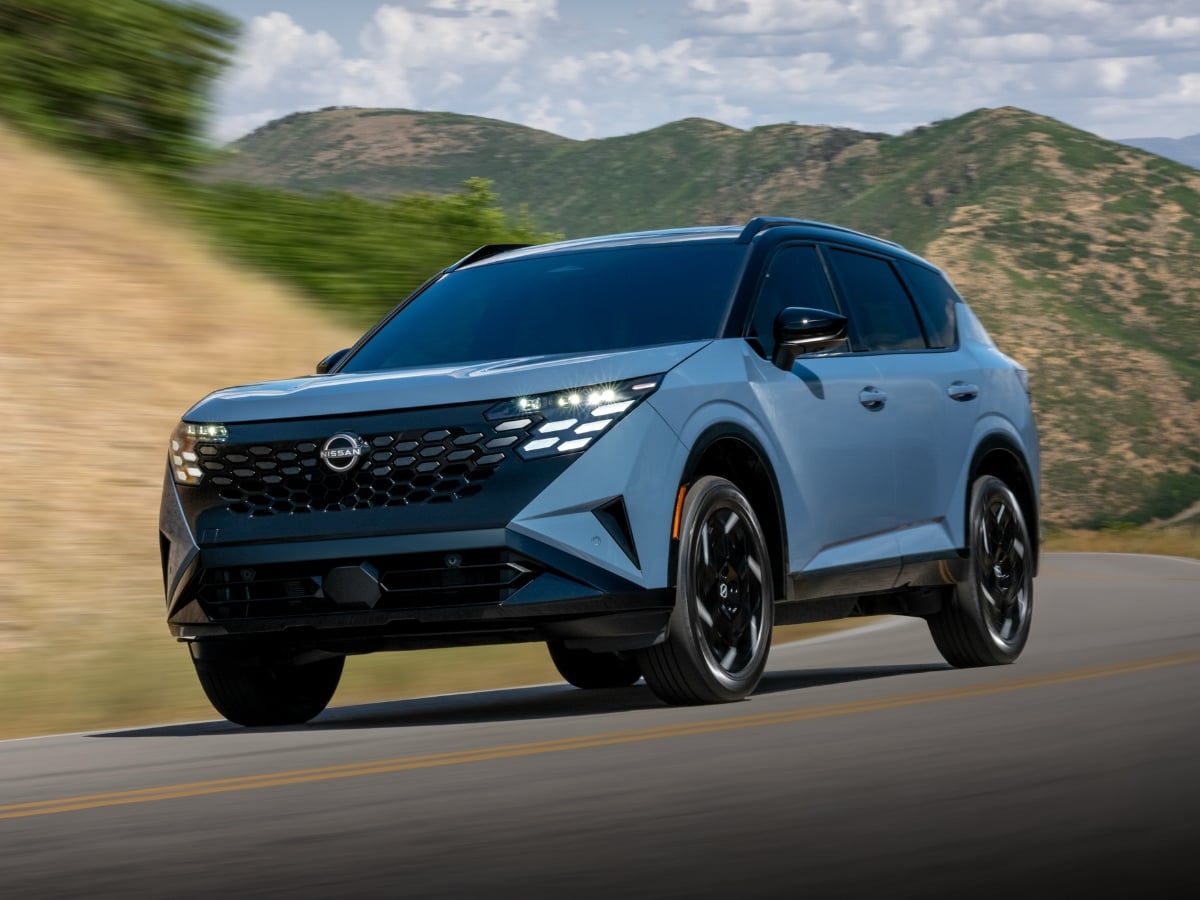
Nissan is about to introduce an innovative new SUV. The 2027 Nissan Rogue Hybrid has a gasoline engine, but it does not power the wheels. Instead, electric motors at each axle provide propulsion, ...See More
Read the Full Article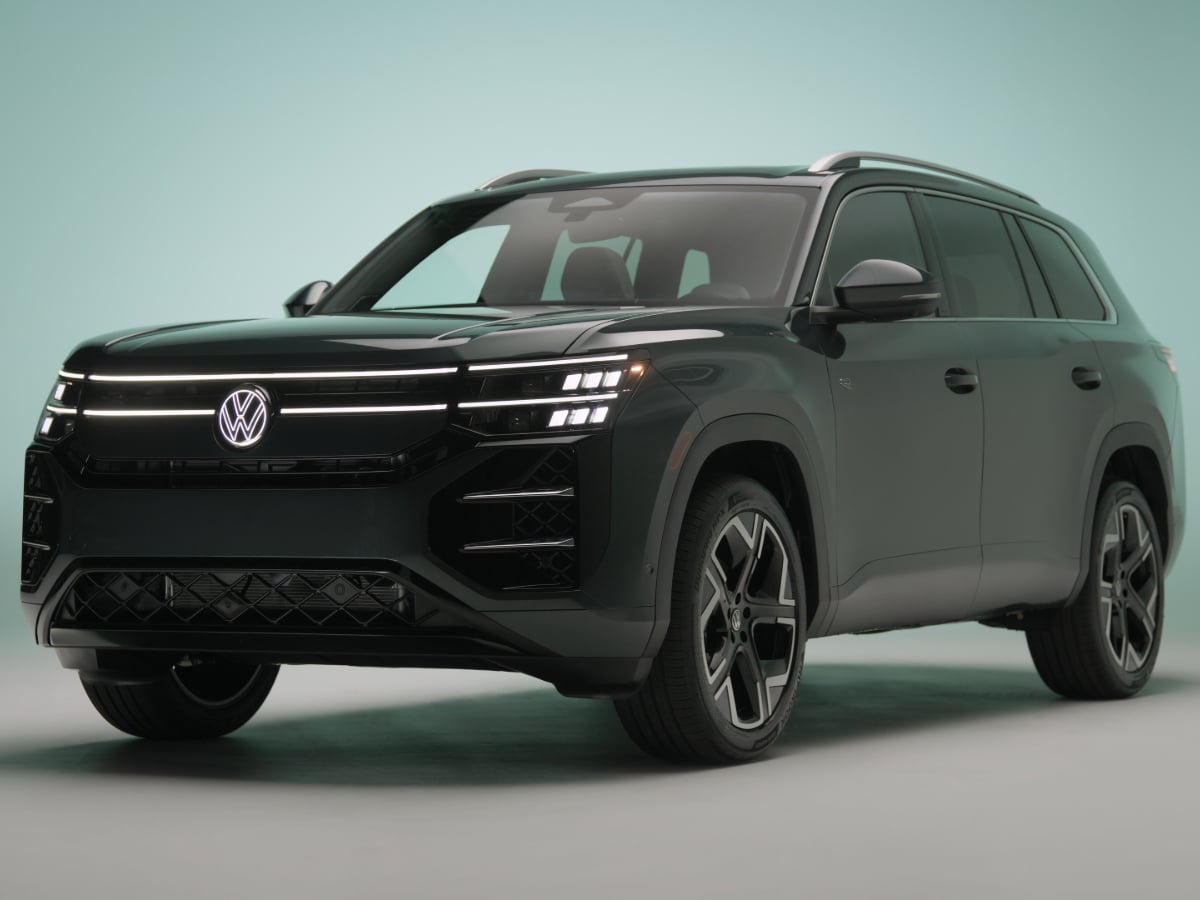
Adding European flair to the otherwise vanilla midsize three-row family SUV market, the redesigned 2027 Volkswagen Atlas debuts with a sharper exterior, an upgraded cabin, more power, and new ...See More
Read the Full Article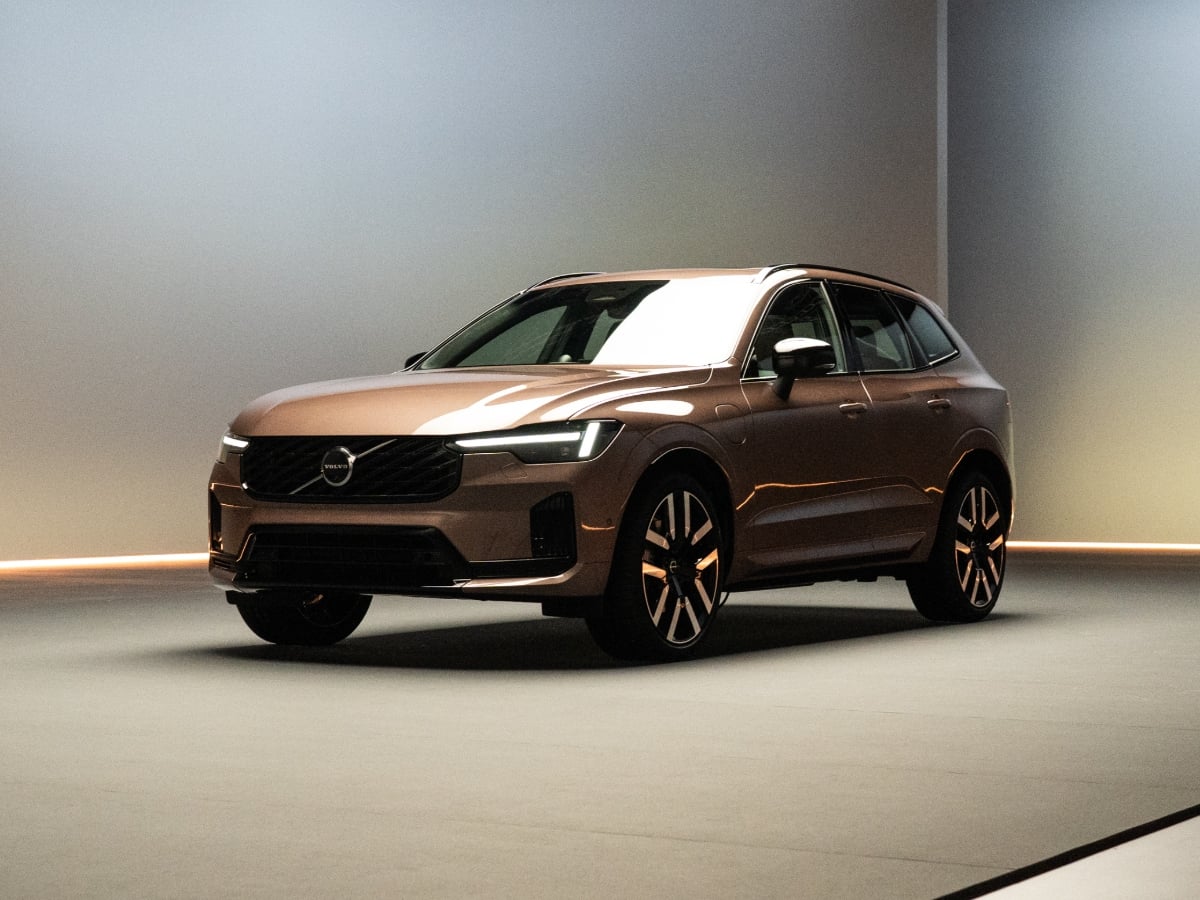
Though the styling stays largely the same, a massive boost in electric range for the plug-in hybrid (PHEV), plus a refined design, helps the 2028 Volvo XC60 stay current and desirable.
Read the Full Article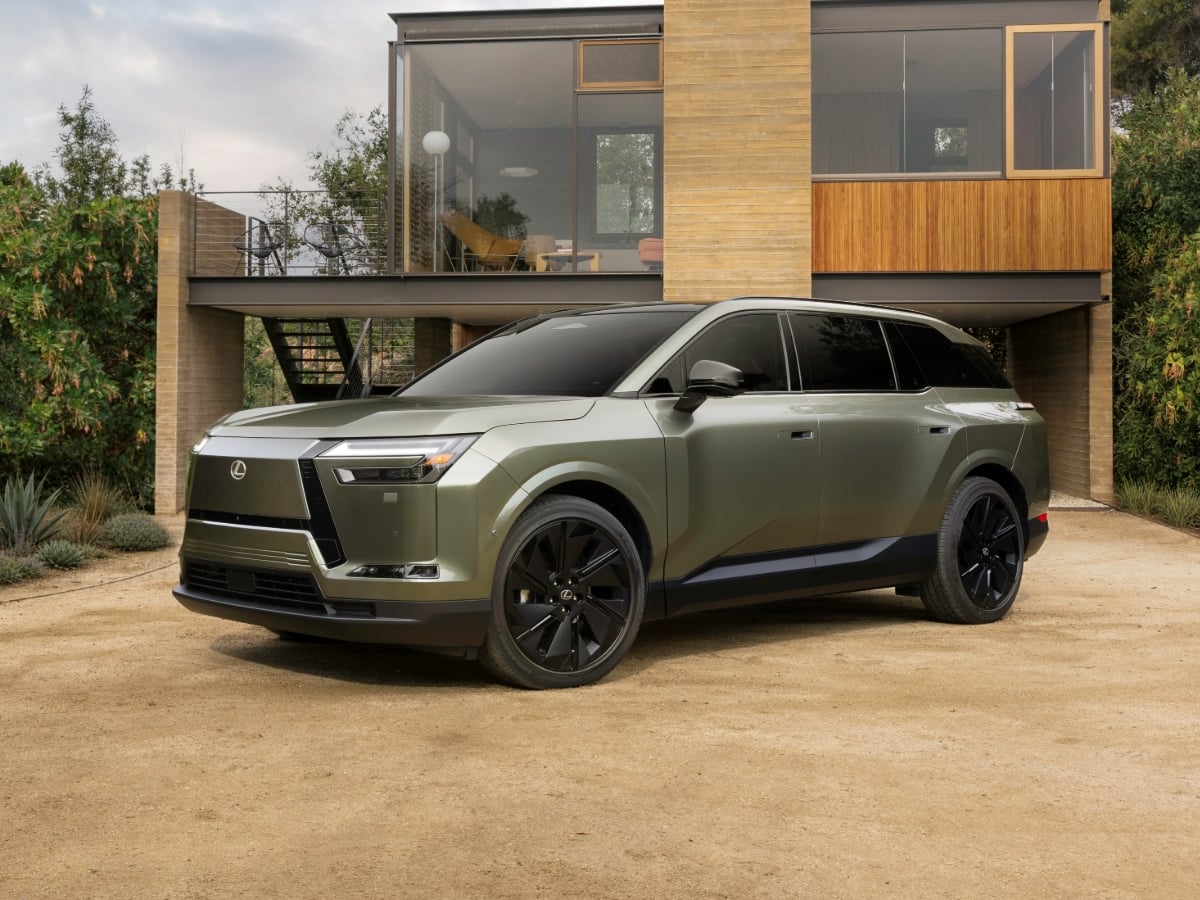
With the 2027 Lexus TZ, Toyota Motor’s luxury division introduces its first three-row all-electric SUV, featuring a lounge-inspired interior, an enhanced all-wheel drive (AWD) system, and up to 300 ...See More
Read the Full Article