
People do like to organize their trips. That’s why Google Earth is so popular in the first place. You can pretty much get around the world from the comfort of your home and check out places you want to visit in great detail. What’s more, you can get a general feel for the spot and ensure the vacation is as enjoyable as possible.
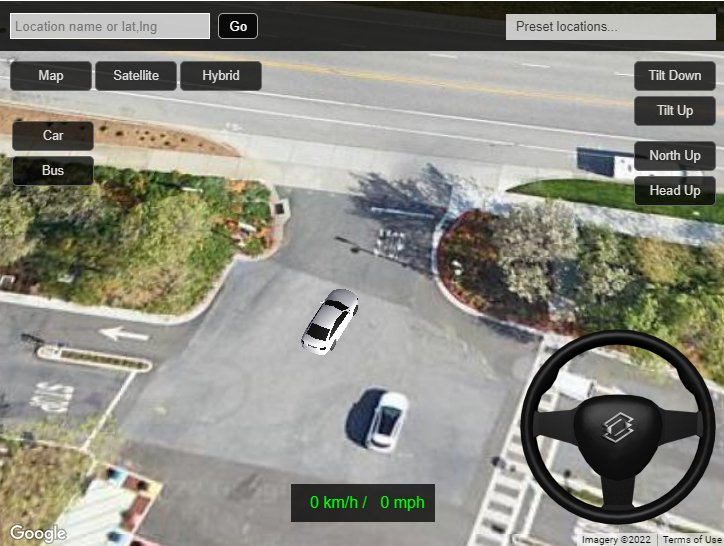
However, there’s a new way to spice things up. Recently, it became possible to use Google’s most popular application as a real driving simulator. You can take control of a 3D car model and drive wherever you like, which makes organizing a trip even more fun.
If you’ve played your fair share of racing games, you know how interesting it would be to explore the real world virtually. Not everyone has the money and the time to drive around and plan trips, so sometimes, a simulation can do the trick. However, not all games can provide you with a large enough world, and, more often than not, you’re confined to a portion or a particular zone.
While there are exceptions like Forza Horizon, you still have to own a powerful enough PC to run it. And, above all else, pay for it to play. Luckily, a simpler and more practical alternative gets the job done.
A while back, a Japanese developer, Katsuomi Kobayashi, developed a game for Google Earth. It was quite an undertaking, considering that he had to recreate the whole world in 3D with all possible details like tourist attractions, roads, and the general layout being correct. It was released in its early version, and some people did get to play it. Unfortunately, the project began in 2013 and fell through in 2014 due to the sheer amount of work it took to bring the idea to fruition.
But, we did promise a popular Google application in the introduction. And on the brighter side, the developer created the same game for Google Maps. It’s still updated today and lets you do practically the same, but with certain obvious limitations.
For some, Google Maps is not as enjoyable as Google Earth. However, it’s more practical and takes less of your device’s resources to load things. Plus, it pairs up well with the developer’s original idea and takes less time and resources to make the game this time around.
So, what you get is a game where you control a 3D vehicle that drives around a 2D real-world map. You choose between a bus or a car, and then go wherever you please without any restrictions. And by “any” we really mean any as you can drive on water, through buildings, and ignore any possible traffic laws.
But above all else, you drive around in Google Maps, and it means you could go to any location you want. For this reason, the developer included a search bar in the left upper corner. You write the name of the place, and you instantly teleport there.
However, this particular game is quite bare bones as the vehicle doesn’t abide by laws of physics, or any laws for that matter, and can’t even bump into anything.
The recent build or version of the game is uploaded to the developer’s website. All you have to do is click here, and it will take you there. After that, just press “Start”, and pick between a bus or a car (these options are in the left corner). You control the vehicle with the arrow keys on a computer, but it changes to virtual sticks if you use a smartphone or a tablet.
Even though the experience is limited, the game can be launched on any device. And, with some effort, you may even upload custom car models.
Even though there was a game for Google Earth back in 2013, you can’t try it out today. The developer ultimately abandoned the project and created a driving simulator for Google Maps. It receives updates to this day and lets you do practically the same with some drawbacks here and there.
Apart from the obvious, the idea behind this project is exciting and makes planning trips more enjoyable. Perhaps, Google will even take it up and add it to Google Earth after all. Only time will tell, but you can certainly have fun in this simulator while waiting.


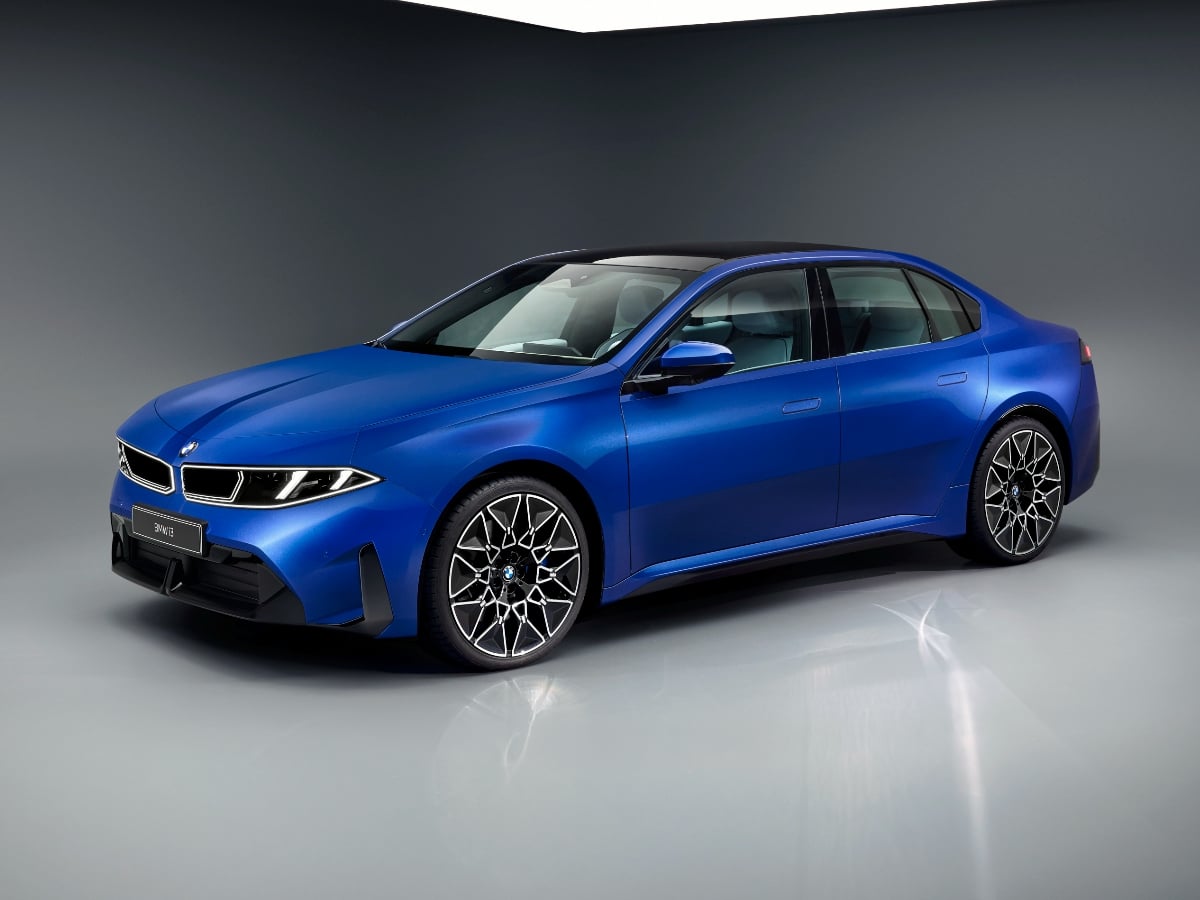
The new 2027 BMW i3 boasts an estimated range of up to 440 miles, 400-kilowatt DC fast charging capability, bidirectional charging to a home or the grid, and next-generation technology.
Read the Full Article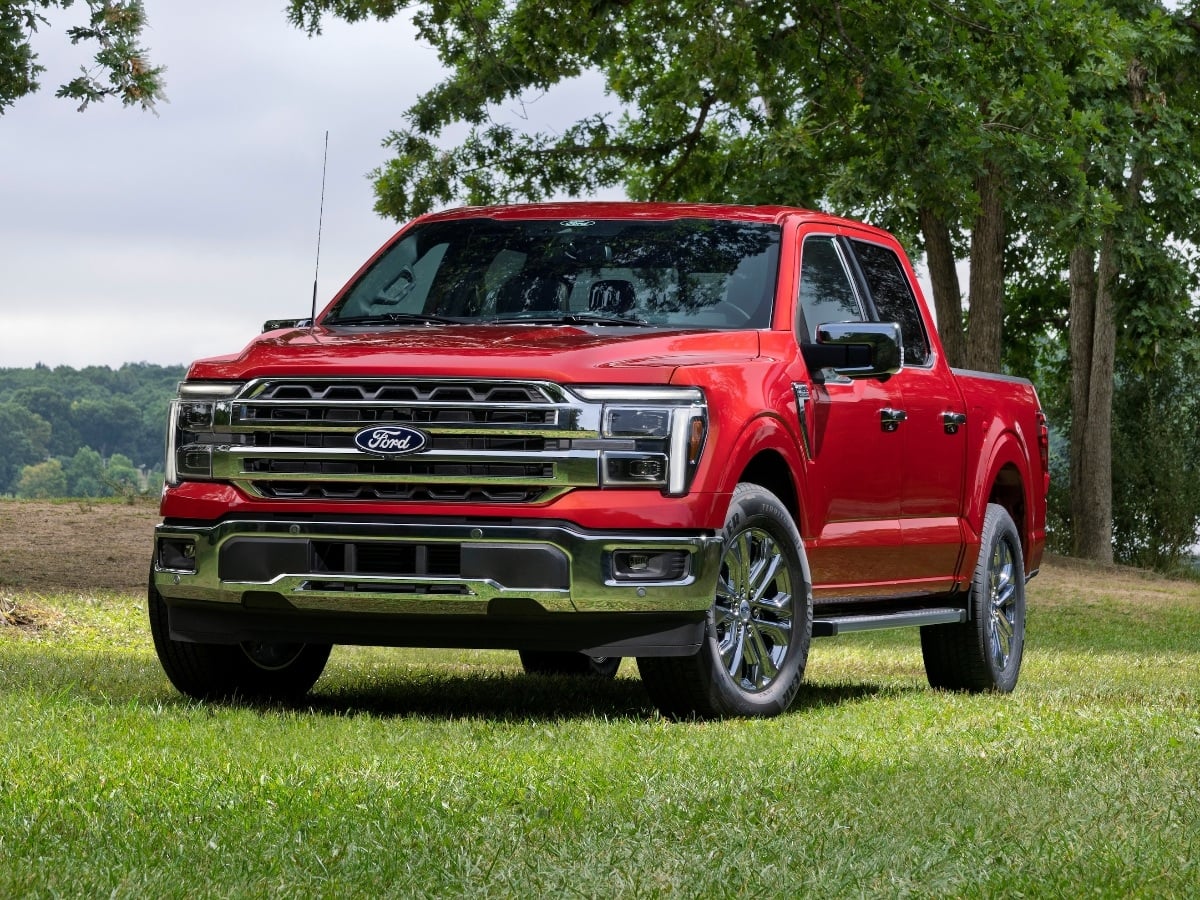
Facing renewed competition in the full-size, light duty pickup truck segment, the 2027 Ford F-150 receives subtle styling updates, a new standard engine, broader availability of its 5.0-liter V8, and ...See More
Read the Full Article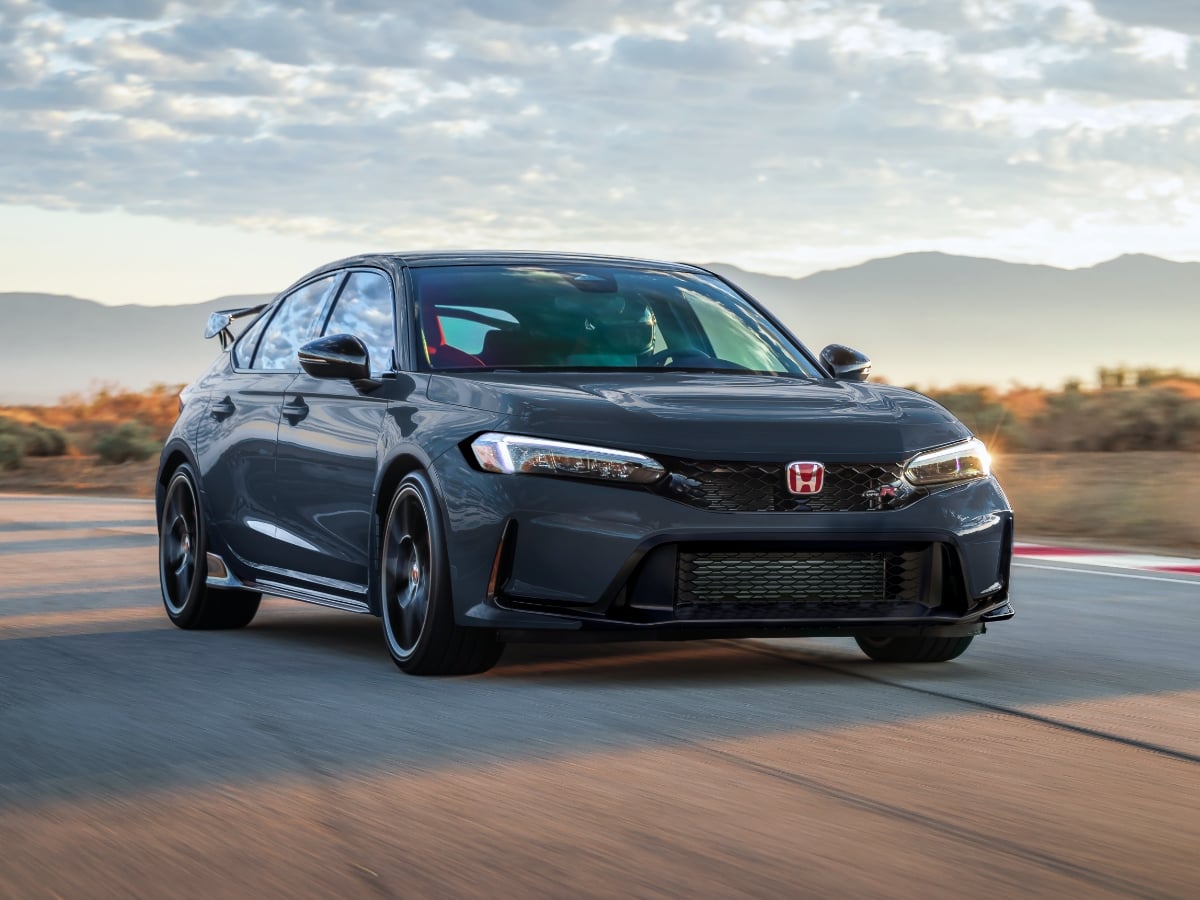
The 2027 Civic Type R goes on sale in October 2026, and it starts at $49,990, including the $1,295 destination charge.
Read the Full Article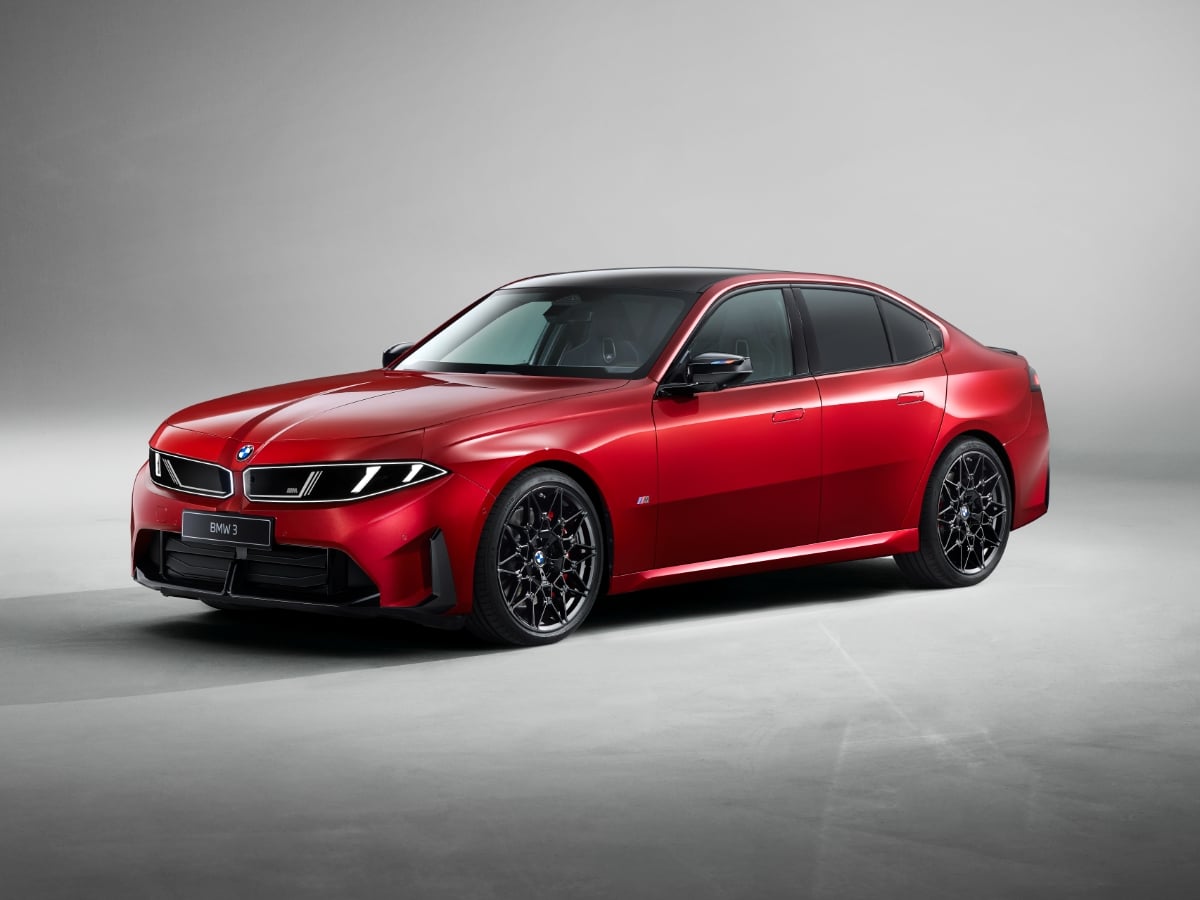
Part of BMW’s Neue Klasse (new class) rollout of redesigned models, the 2027 BMW 3 Series is all-new and goes on sale in the first quarter of 2027.
Read the Full Article