
Mapquest was there in 1996, almost a decade before modern-day Google Maps. It is the world’s first online mapping and turn-by-turn direction service. The name Mapquest was synonymous with finding directions. In the 1950s, when the company first started, they used to sell paper maps, and they have certainly come a long way since and have competitors like Google and Here in today’s time. Today Mapquest has a website and a mobile app. They are the pioneers of geocoding technology and algorithms.

These algorithms and the technology made Mapquest the first company to turn satellite imagery and road map data into searchable, turn-by-turn directions. Mapquest has been refining its routing technology, but they have also provided consumers with other features such as maximizing fuel efficiency, re-routing directions, viewing real-time traffic cams, and ensuring privacy.
All this has undoubtedly made the product popular, and there are still quite a few people using it. However, things could get complicated when using the Mapquest app for the first time. In this piece, we’ll show you how to get driving directions on the Mapquest app.
Once you are on the website or the app, finding driving directions is pretty simple. Here’s a step-by-step process to help you get driving directions on Mapquest:
You can add stops to your route if you wish to make stops. Mapquest also provides optimized routes according to traffic status. You can add more options to your route settings, like avoiding tolls, avoiding highways, avoiding country borders, and a few more options to help you optimize the route according to your preference.
Mapquest sets the route for you by default, but it gives you three alternate options if you wish to choose a different path. Once you have selected the course of your choice, click on “View directions” to display the driving orders to the desired destinations, and you will be on your way!
Mapquest has been around for a long time; even before the popular Google Maps came into being, it’s got multiple features, and you can view live traffic status. However, some features are available on almost all direction services. What sets Mapquest apart from its competitors is the fuel consumption estimate and the IRS reimbursement figures provided on the app. The Mapquest service also allows you to choose from 3 different route options. It’s free to use, and the service’s accuracy rate is much higher than other competitors in the market.
Mapquest is still highly popular in a post-Google and Apple Maps world. Mapquest provides users with information that competitors don’t, simple but useful things like the amount of fuel the vehicle will consume to get to the destination and total IRS reimbursements. Despite the amount of info, the app isn’t too hard to navigate. If you’ve gone through the instructions here, you shouldn’t have any trouble getting directions from Mapquest.


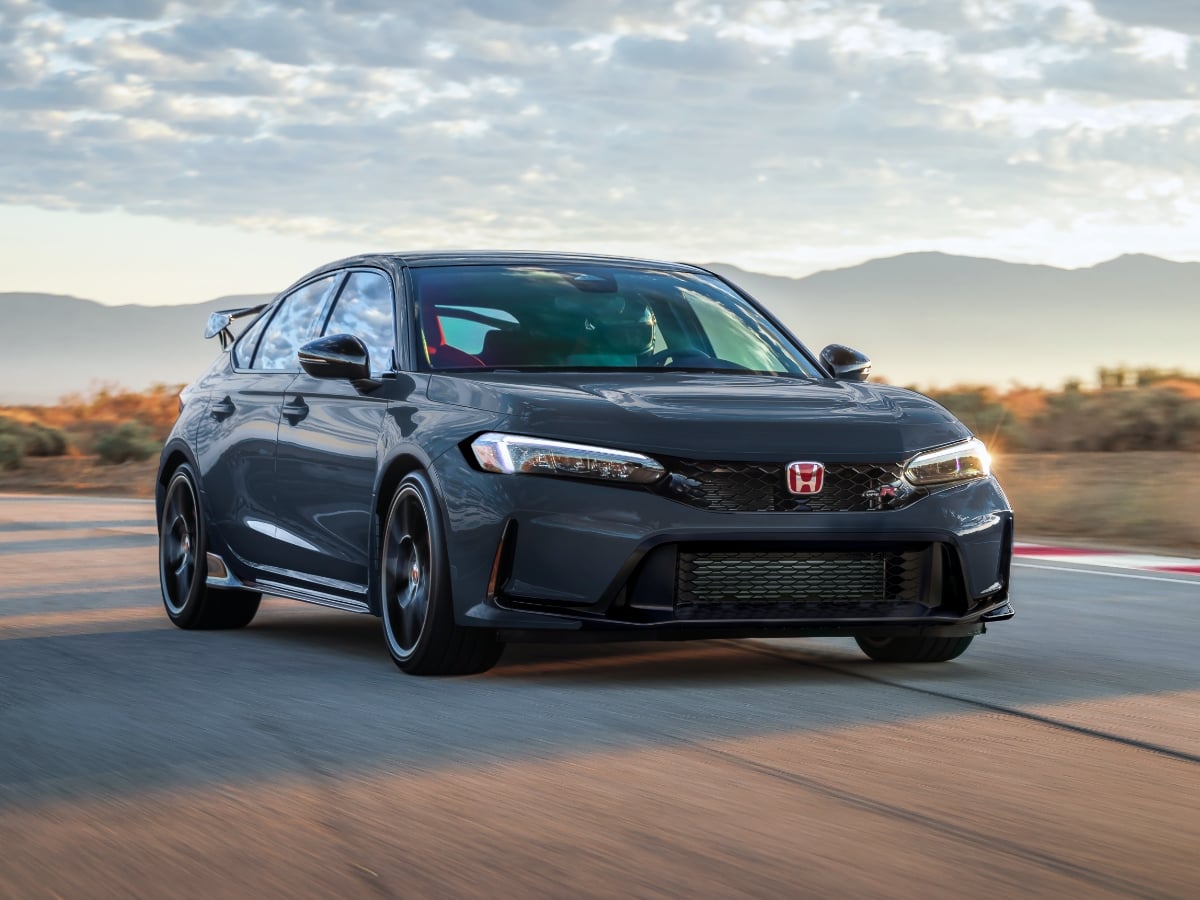
The 2027 Civic Type R goes on sale in October 2026, and it starts at $49,990, including the $1,295 destination charge.
Read the Full Article
Part of BMW’s Neue Klasse (new class) rollout of redesigned models, the 2027 BMW 3 Series is all-new and goes on sale in the first quarter of 2027.
Read the Full Article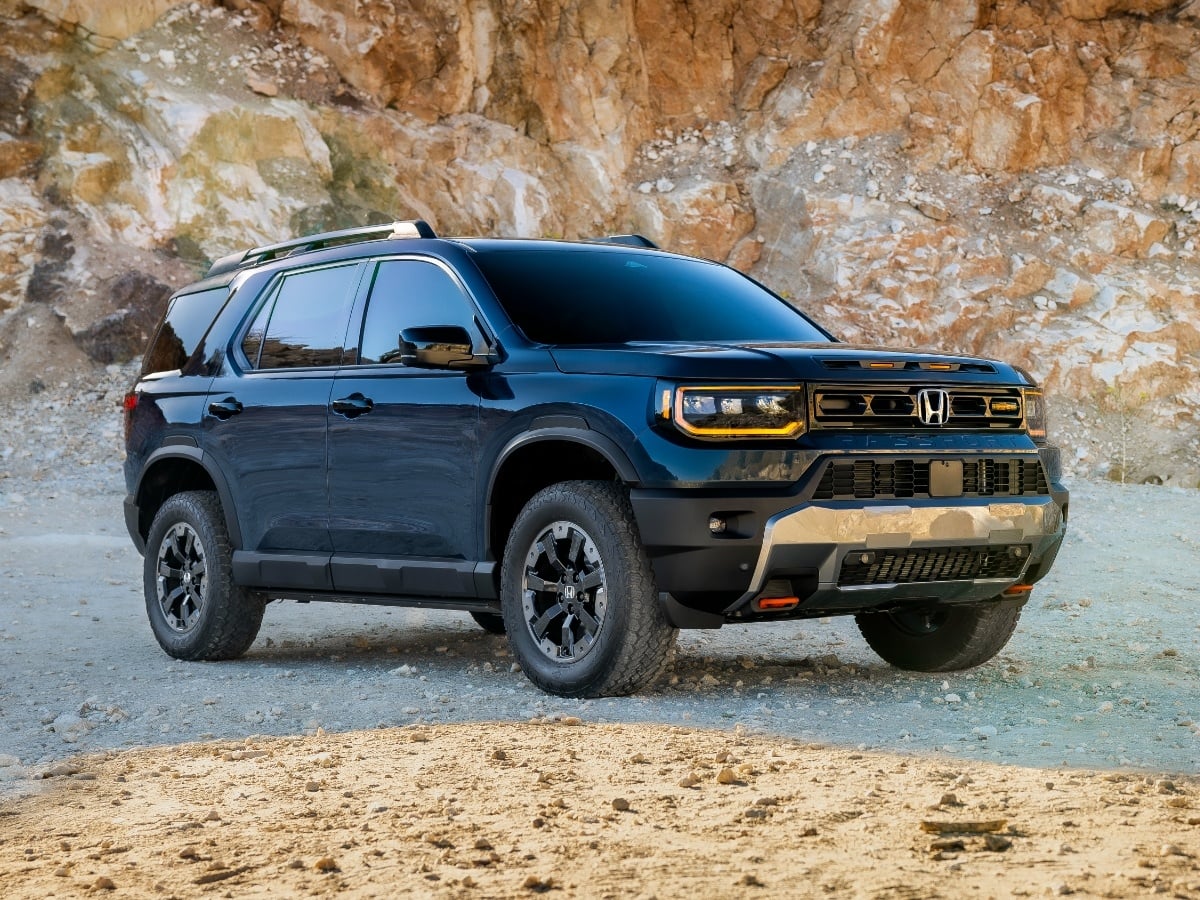
Updates to the 2027 Honda Passport TrailSport include a reworked suspension, improved steering, subtle styling enhancements, and added standard equipment.
Read the Full Article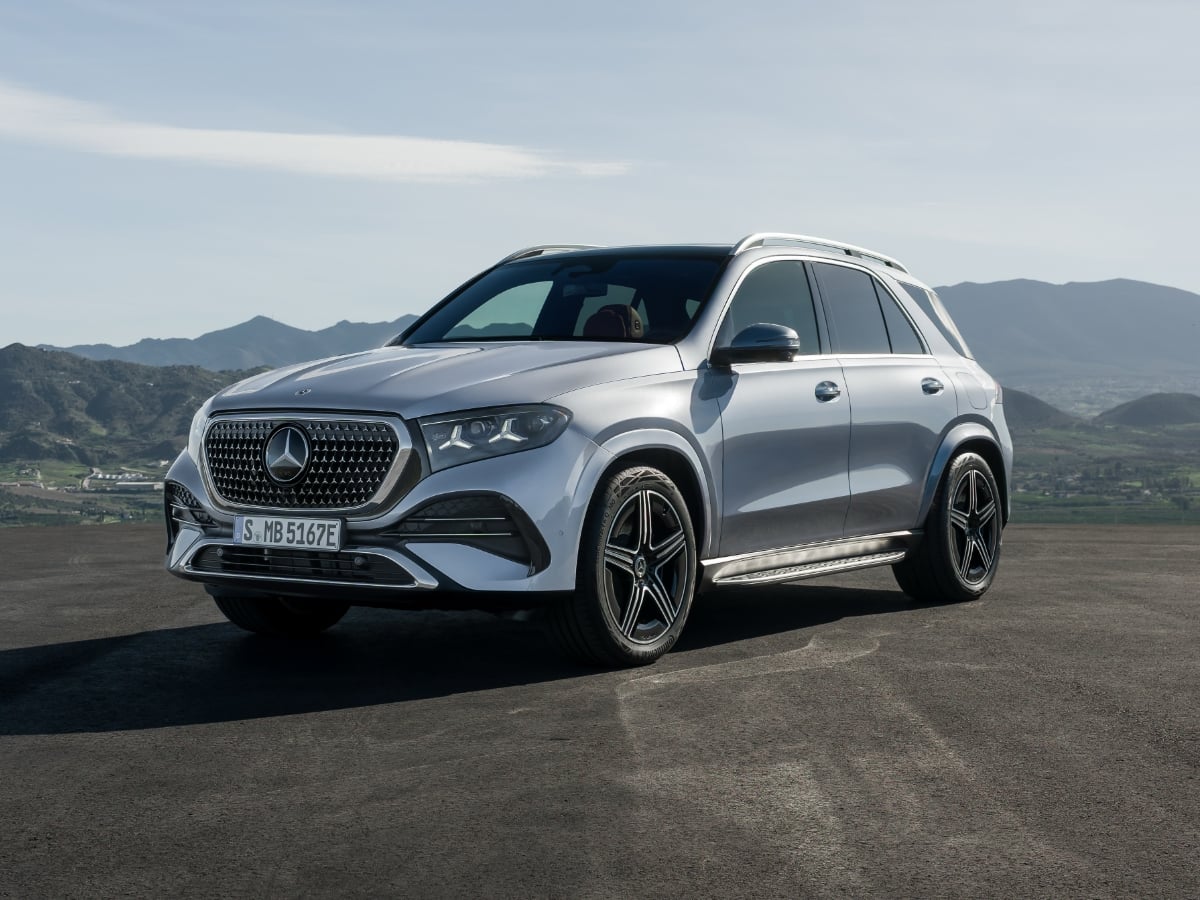
The midsize 2027 Mercedes GLE remains available in original and spicy Coupe recipes, now with standard 4Matic all-wheel drive (AWD), MBUX Superscreen technology, and a panoramic glass sunroof for ...See More
Read the Full Article