
For many, the ability to fully access their smartphones while driving is an important buying consideration when shopping for their next vehicle. They want to make calls, send messages, and utilize their favorite apps simply and safely with minimal driver distraction. The Google-based Android Auto system does all those things.

Android Auto is the Google equivalent of Apple CarPlay. It mirrors your Android-based phone's operating system, displaying it on your vehicle's infotainment screen in a seamless way.
Android Auto integrates your smartphone with your car, allowing you to utilize its primary features and adjust settings using a familiar interface. Various apps are available, and you can even use Google Assistant voice commands to do virtually anything your phone does while keeping your focus on the road.
You'll first need to connect your phone to your car to enable Android Auto. Historically, you would need to plug your phone in using its standard USB charging cable and the car's USB data port to do this. Once you accept the prompt that appears, the Android Auto interface should automatically load on your car's display screen.
Wireless smartphone integration is increasingly common in newer vehicles, so if your car has this capability, you can connect to Android Auto using Bluetooth. Once your vehicle and phone are connected, there's no need to reconfigure Android Auto. Just turn the car on, and as long as you've connected your phone via its cable or Bluetooth, it should automatically activate the Android Auto system.
Android Auto is cleanly and logically organized, so navigating the system is straightforward. It looks like a simplified version of your phone's home screen, providing access to various applications that will enhance your driving experience. There's a home screen with all your Google and third-party apps. Google apps include Calendar, Maps, Messages, News, Phone, Play Books, Podcasts, Reminder, Settings, Weather, Messages, News, and Play Books. Third-party apps are non-Google apps you've added to your phone.
CarPlay differs from Android Auto because it separates Apple apps from third-party apps. Apple's primary apps exist on CarPlay's Home screen, while you access third-party apps on a separate Dashboard screen. Android Auto keeps everything together on a one-stop scrollable menu with alphabetized widgets for each app. The Android Auto presentation is more streamlined than that of CarPlay.
Utilizing Google Assistant voice controls is also convenient and natural. Say, "Hey, Google," and the desired command as you normally would to your phone, and the system will complete your request. Examples are "Hey, Google, skip this song," "Hey, Google, go to 123 Maple Street," and "Hey, Google, call Annie at work." You can do all these things without ever taking your hands off the steering wheel. Alternatively, press the Talk button on the steering wheel to voice your command.
The Settings option will give you selections across various features on your phone relating to functionality and background aesthetics based on your preferences. Some of the most common settings include:
If you want to disconnect your car from Android Auto, you can forget the device within your car or phone's settings.
In addition to Google's apps, Android Auto allows the use of third-party apps. Various third-party applications are compatible with Android Auto, including Waze for navigation, Spotify for music, and WhatsApp for communications. Most major media apps have a corresponding Android Auto app, making the experience flexible for users. As mentioned above, to turn any apps on or off, you must go to the settings in your smartphone and select which apps you would like to have appear on the Android Auto menu.
Most major auto manufacturers support Android Auto on some level. Curiously, General Motors recently announced that it will phase out Android Auto (and Apple CarPlay), starting with its new electric vehicles. Since automakers see subscription services as a significant future profit center, this might be the first step toward eliminating typically free services like Android Auto.
If you own an older vehicle, several aftermarket systems can add Android Auto to a model that doesn't offer the system.
Android Auto lets drivers readily and intuitively use their smartphones with minimal distraction while driving. Like its Apple CarPlay counterpart, this system can significantly benefit the everyday vehicle ownership experience.
To learn more about new vehicle technologies, go to the Shopping Guides section of the JDPower.com website.
Jessica Shea Choksey is an experienced writer in the automotive field. In addition to JDPower.com, she was a correspondent for PBS's MotorWeek. Her work has also appeared in AutoTrader.
Related Resources


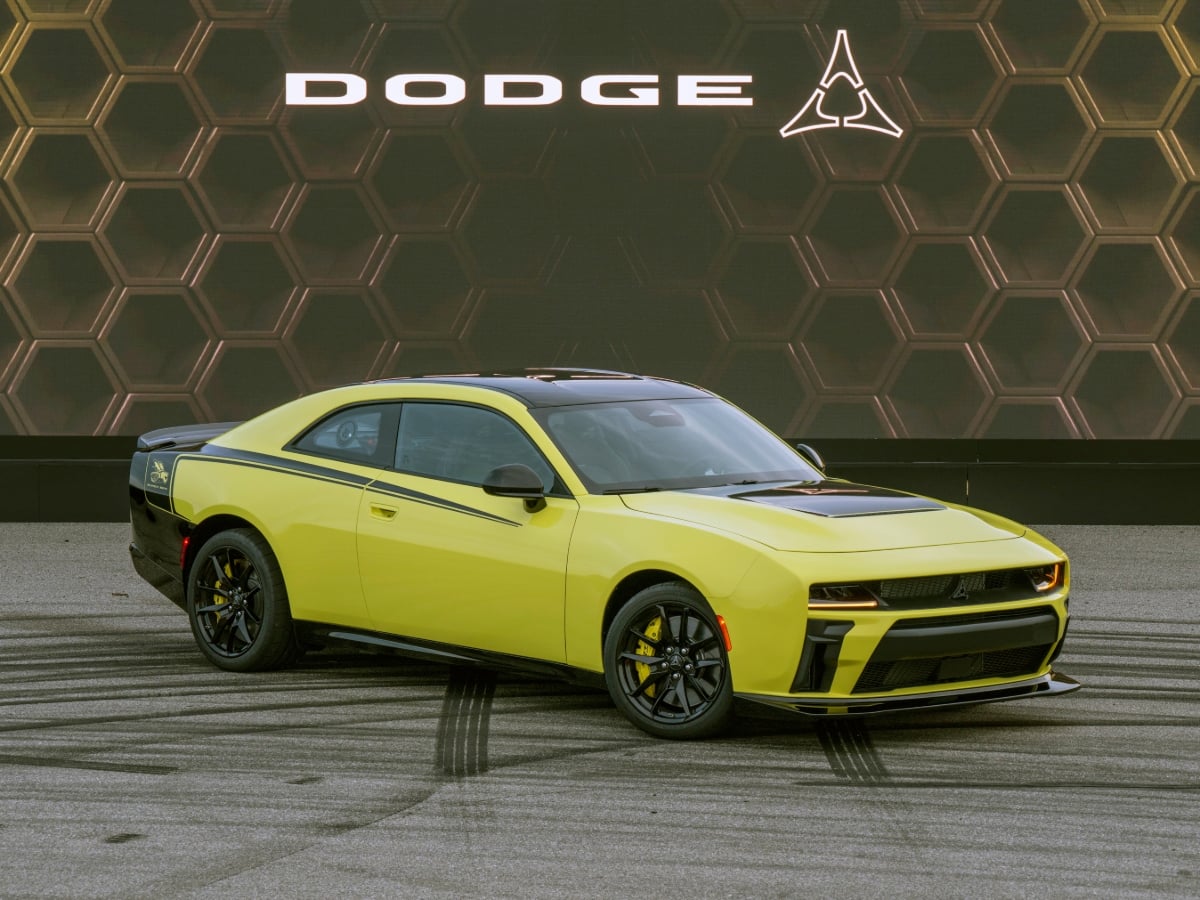
Drawing on the brand's rich history of special muscle cars, the 2027 Dodge Charger Super Bee arrives with more power and higher performance than any model ever to wear the buzzy badge.
Read the Full Article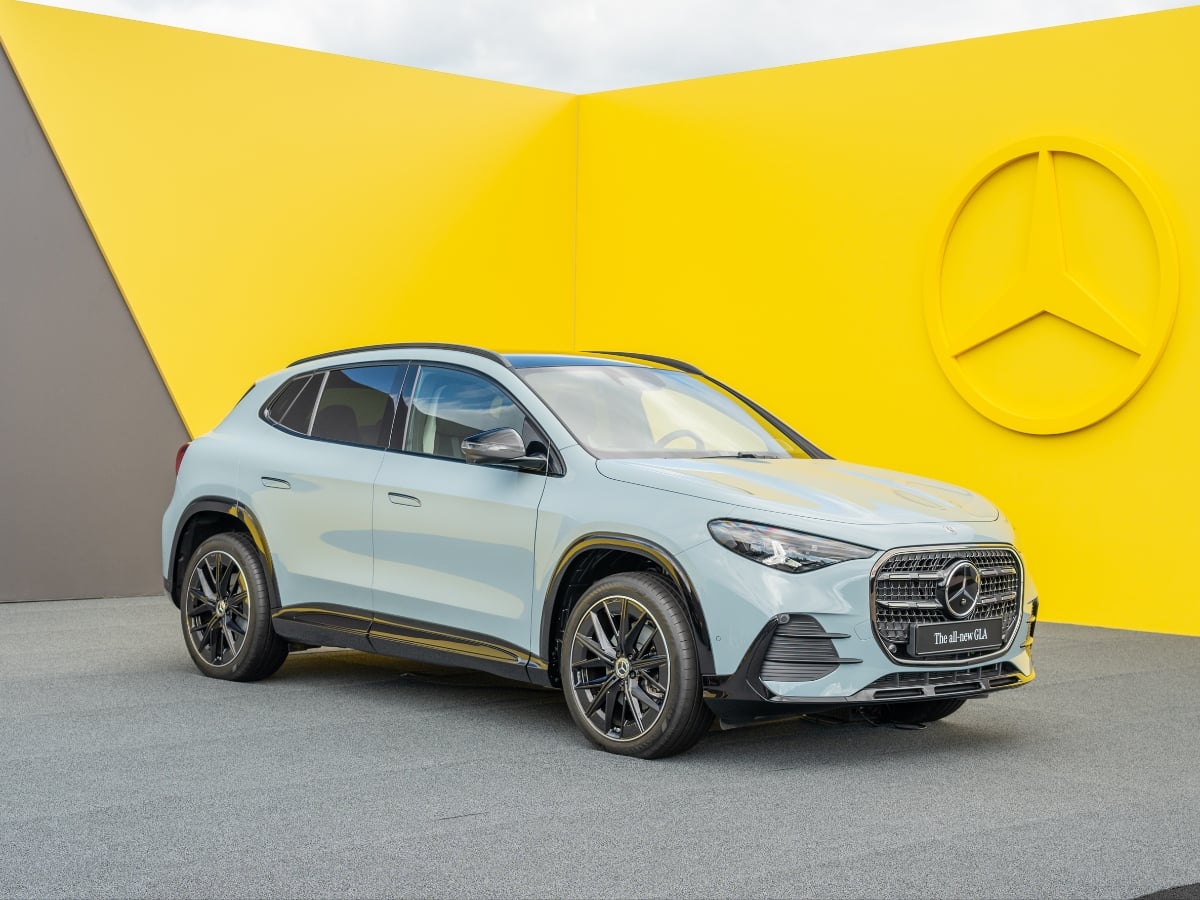
Offering both hybrid and all-electric powertrains, Mercedes-Benz's 2028 GLA SUV offers more room and more performance, helping expand the brand's presence in the ultra-competitive subcompact premium ...See More
Read the Full Article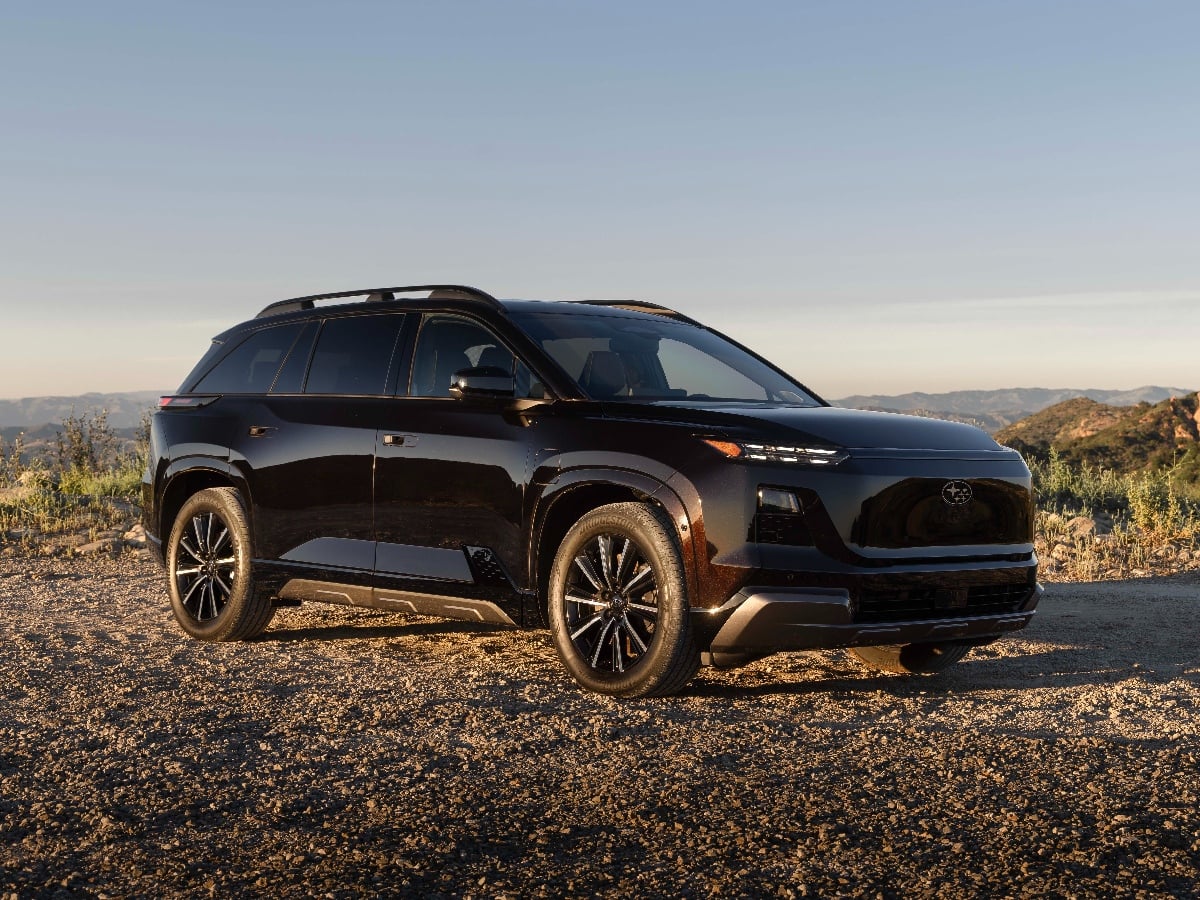
Arriving in late 2026, the new 2027 Subaru Getaway three-row SUV will be the largest of the brand’s now-trio of electric offerings, co-developed with Toyota. It has impressive specs that should make ...See More
Read the Full Article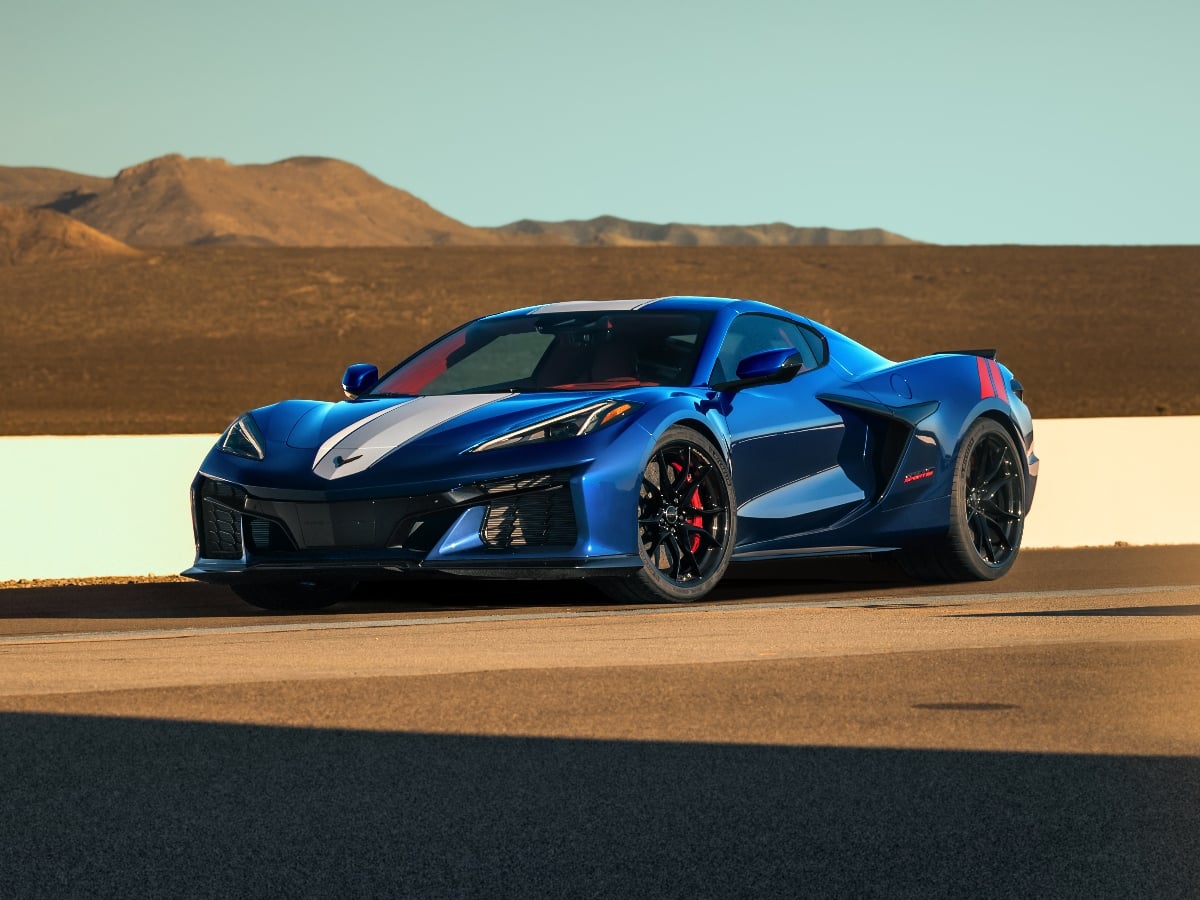
Bringing the ZR1's style to a more attainable model, the 2027 Chevrolet Corvette Grand Sport features all the best C8 go-fast bits, including an all-new 6.7-liter V8 engine.
Read the Full Article